
Repair Tools and DIY Kits · ThrifTech
Fix it yourself.
Own the tools.
Precision screwdriver kits, opening tools, tweezers, adhesives and everything else you need to repair a phone, tablet or laptop. Shipped across Canada. Free pickup in Welland and Fonthill.
Shop screwdriver kitsWhich kit is right?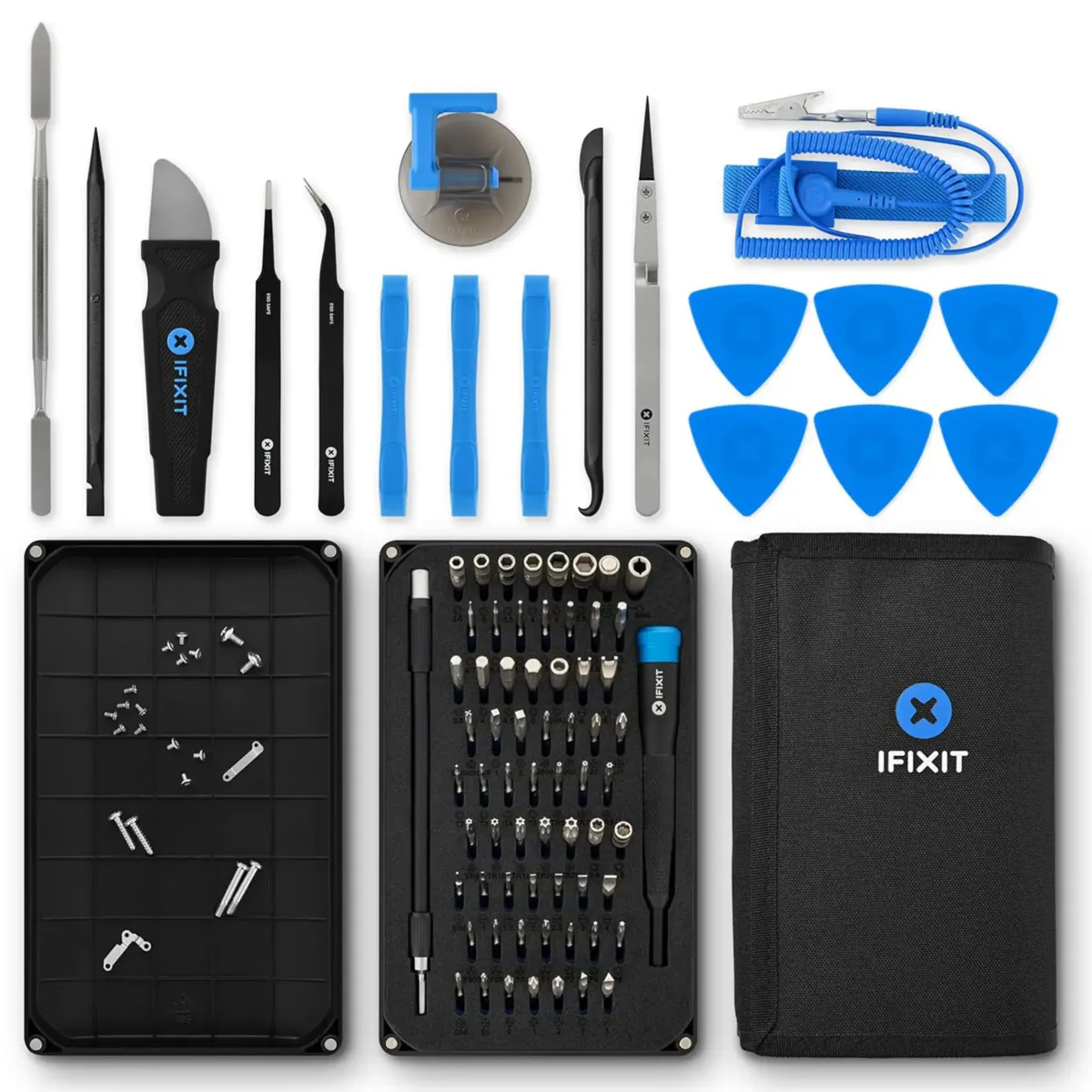
Why DIY
A cracked screen
is not a new phone.
With the right tools, many repairs are a quiet afternoon, not a trip to the store. And the tools pay for themselves.
Do the repair once and a good kit keeps working for the next phone, tablet or laptop.
Repairing is greener and cheaper than replacing a phone that still works.
Once you have the tools and a little patience, small repairs get easy.
Step one
The right screwdriver.
Wrong bit, stripped screw. Start with precision bits made for phones, including pentalobe for many iPhones.
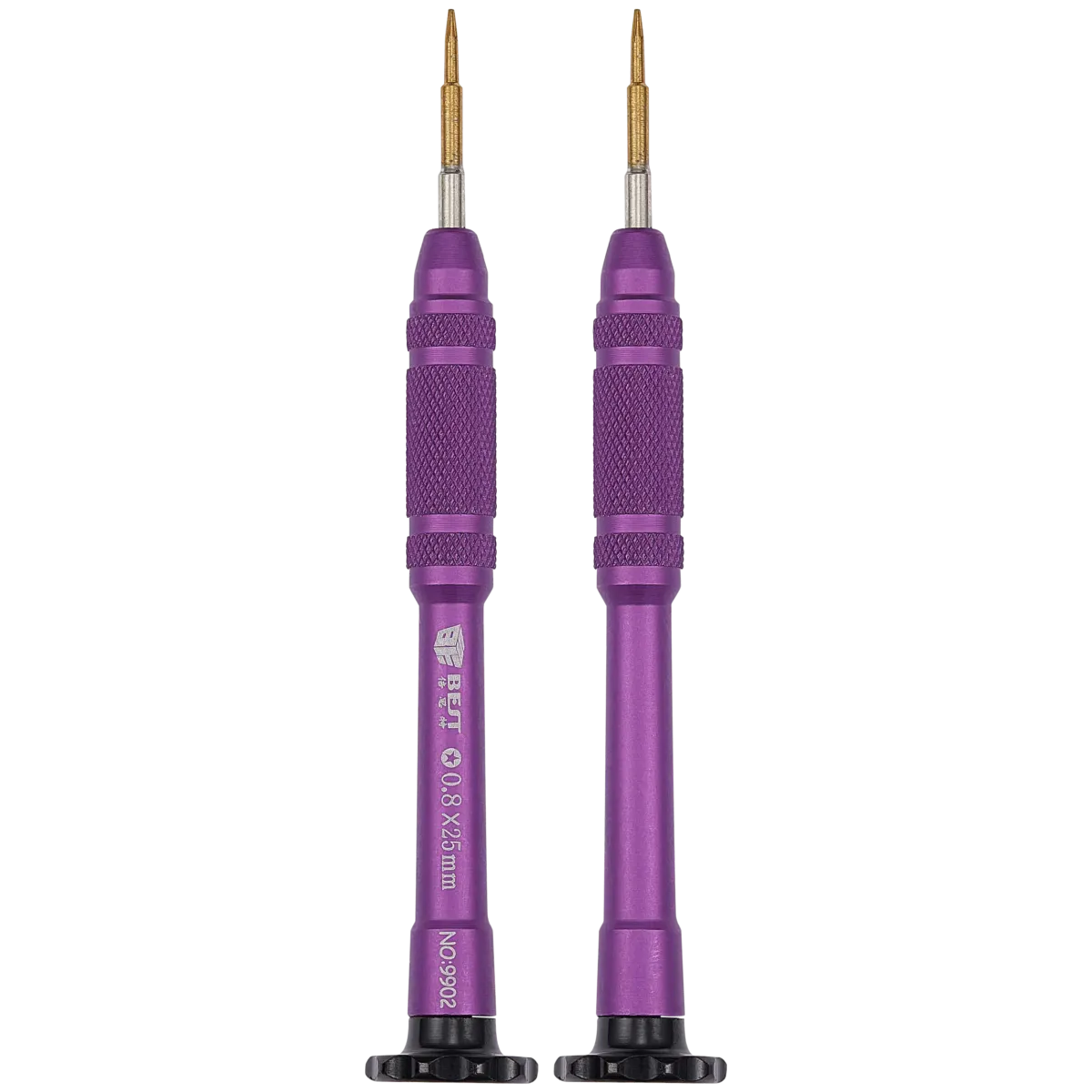
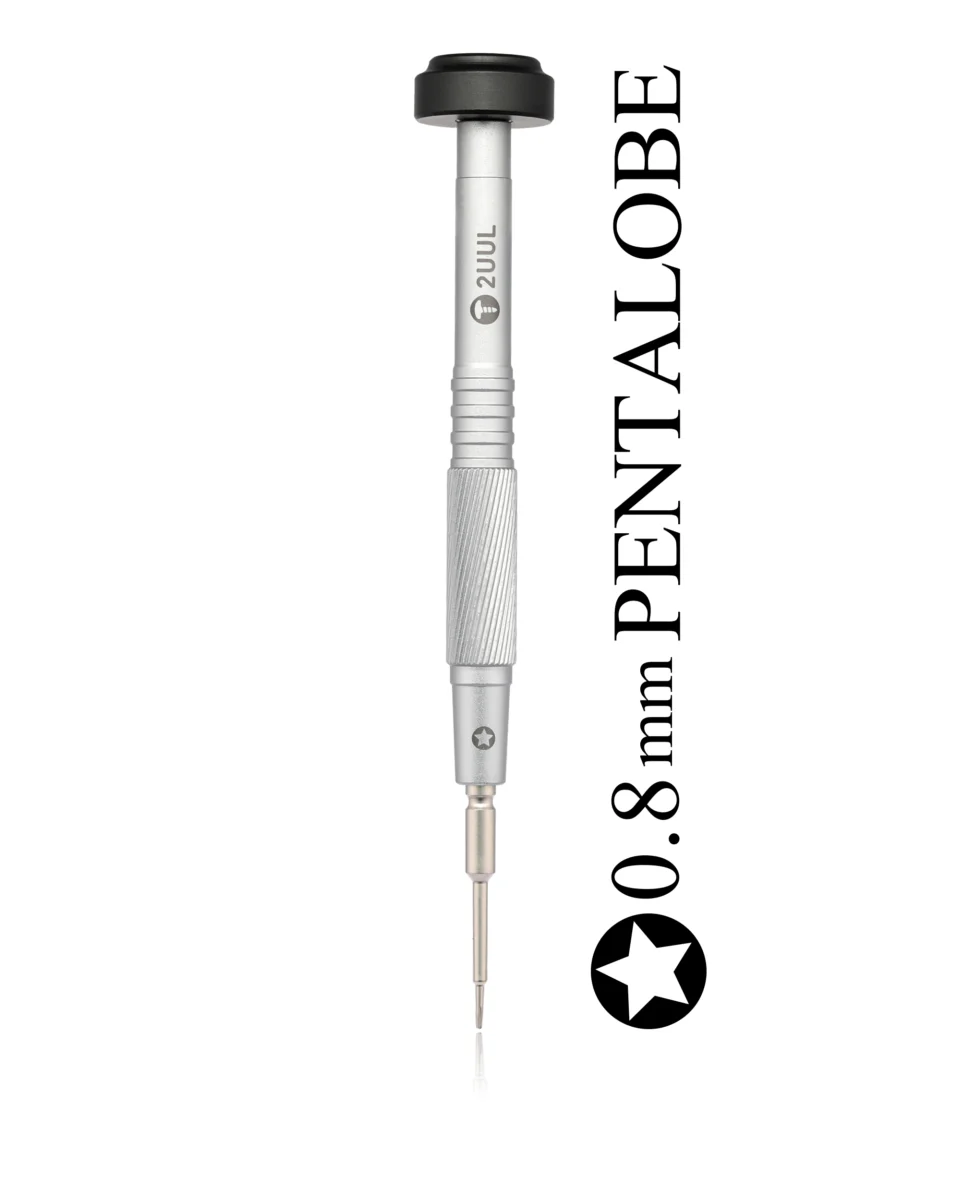
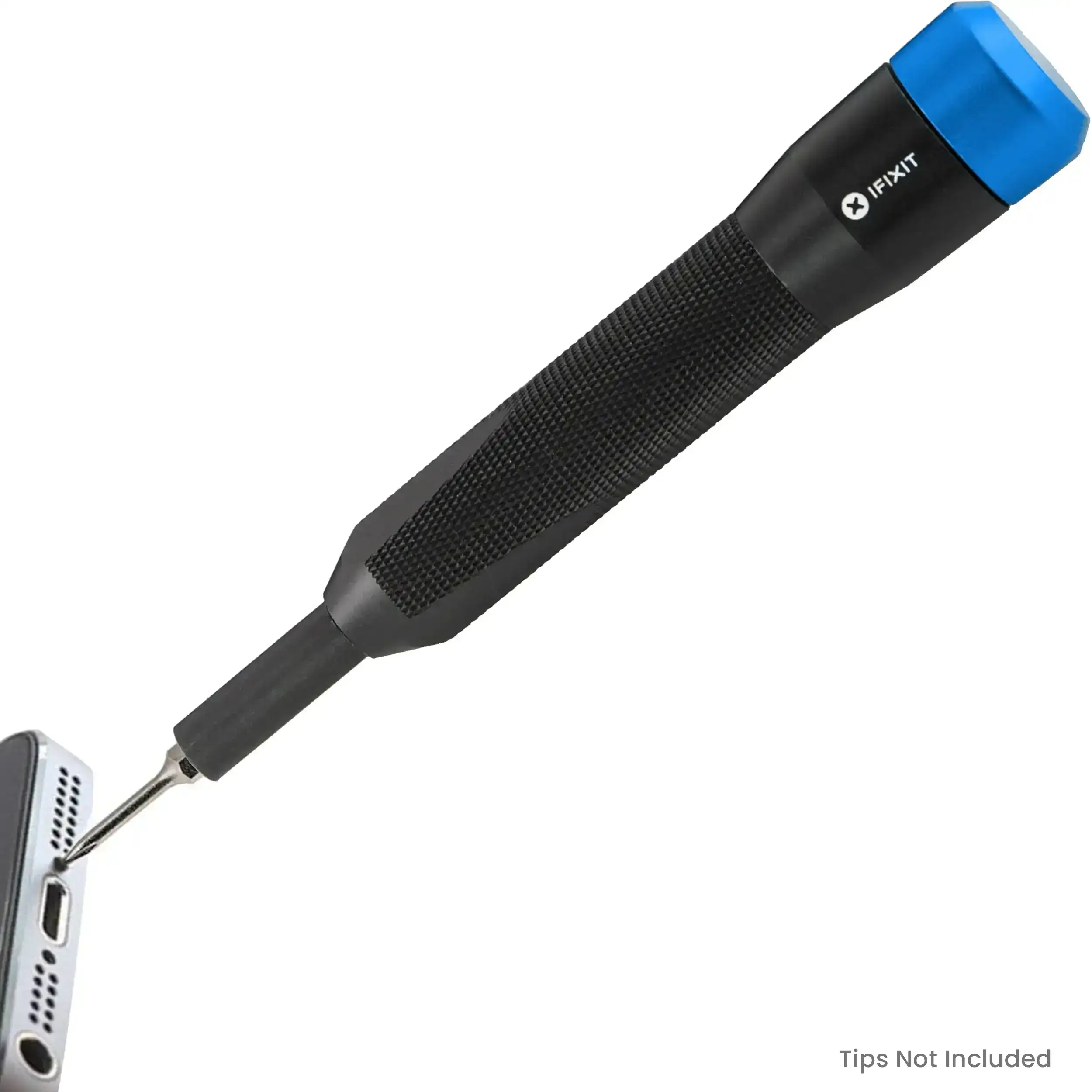

Complete kits
Everything in one box.
From a first kit for under $15 to professional toolkits. Pick the one that fits how often you repair.
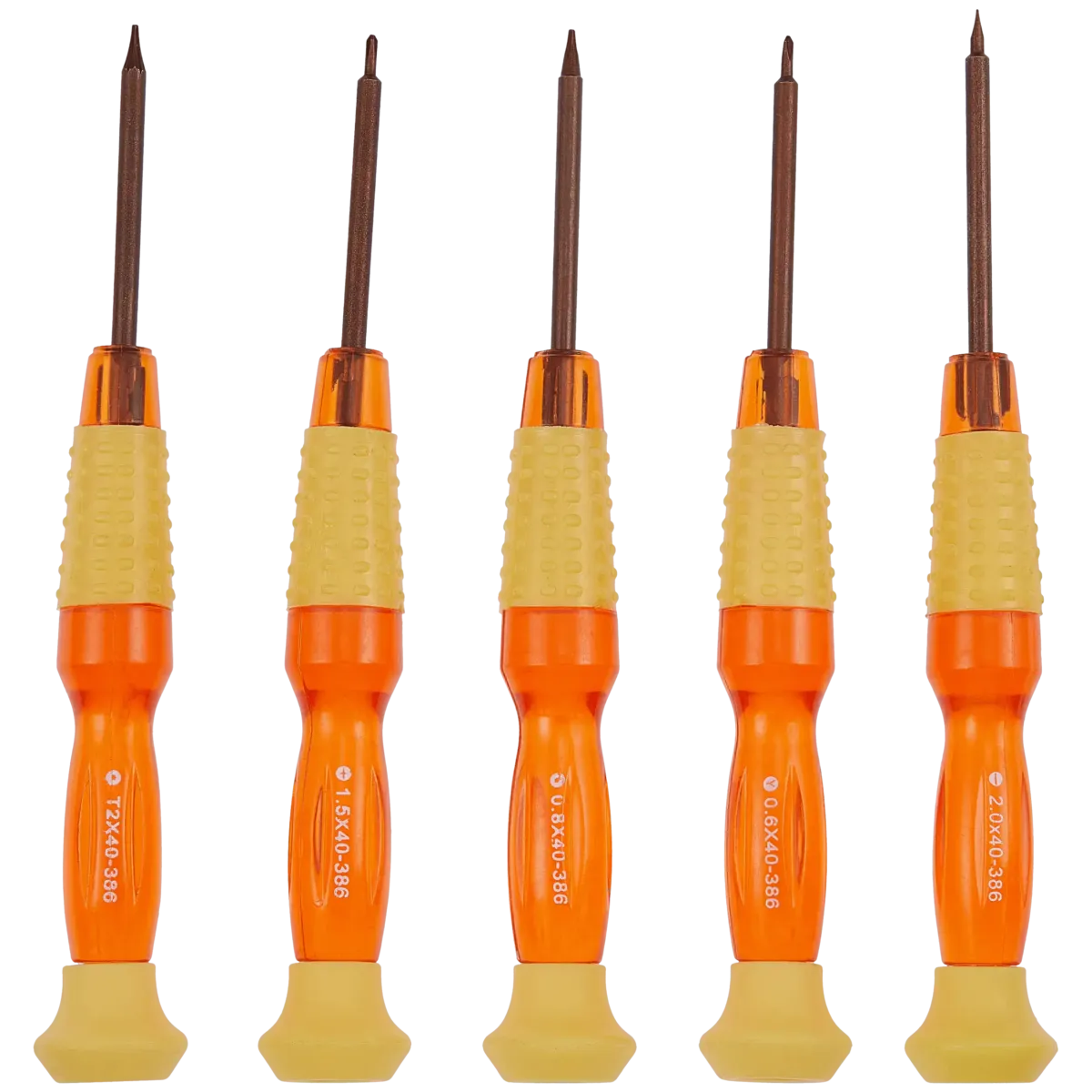
Basic Beginner Multi-Functional Repair Tool Combination Kit
$12.99 CAD
Shop now ›
JM-8192 180-in-1 Precision Screwdriver Multi-Functional Toolkit (Jakemy)
$66.99 CAD
Shop now ›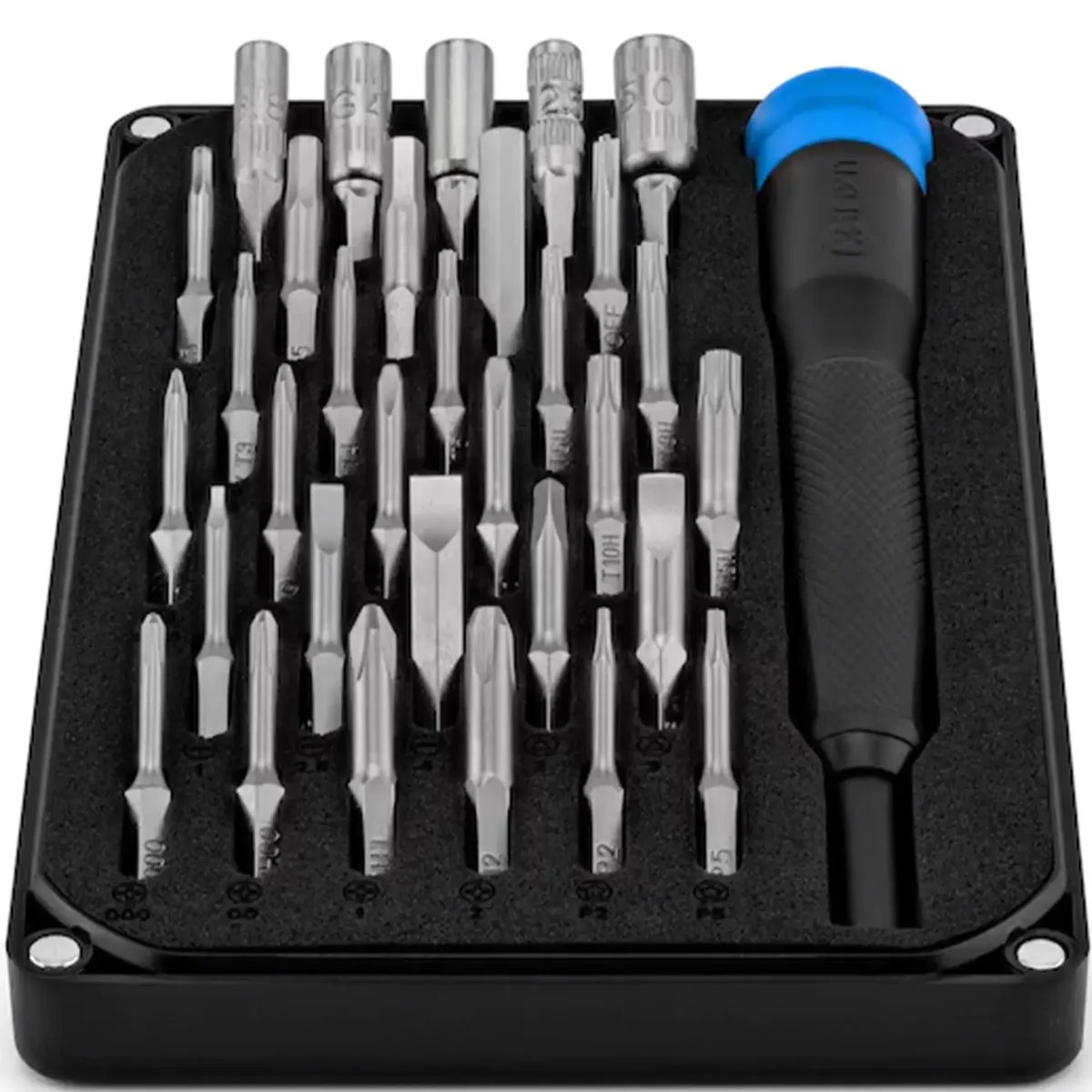
Mahi Precision 48 Bit Screw Driver Kit (iFixit)
$75.99 CAD
Shop now ›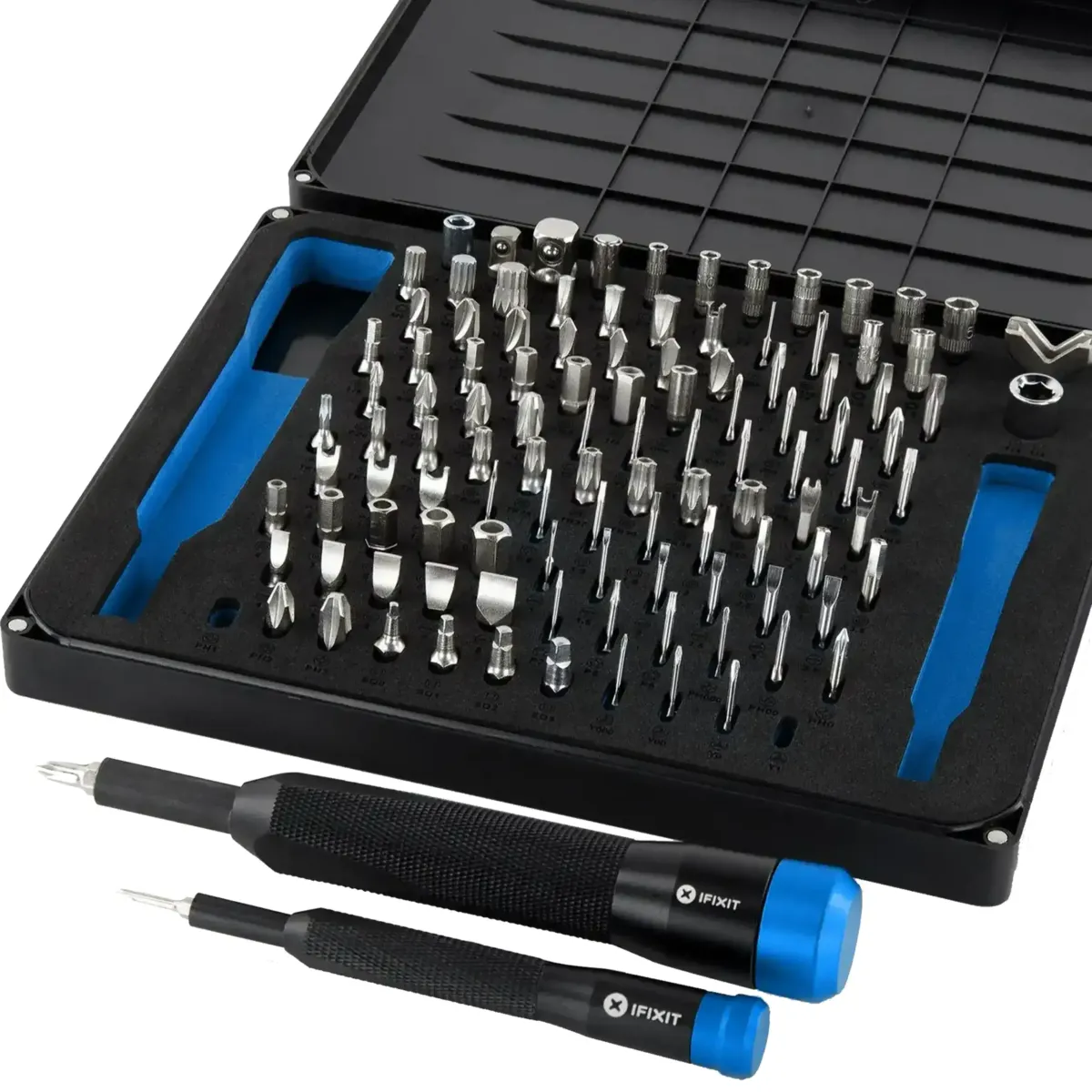
Manta Precision 112 Bit Screw Driver Kit (iFixit)
$129.99 CAD
Shop now ›Pro Tech Toolkit (64 Bits) (iFixit)
$144.99 CAD
Shop now ›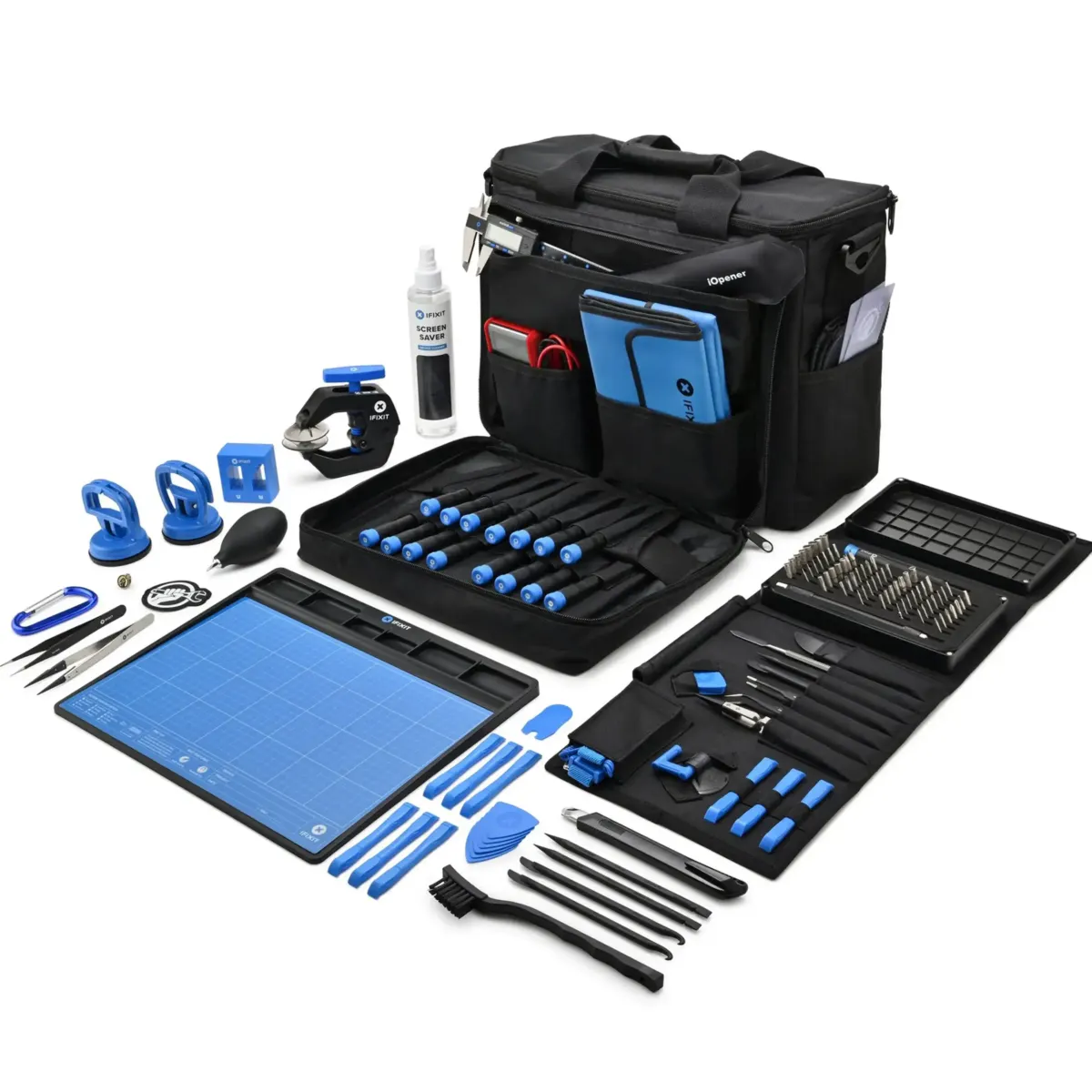
Repair Business Toolkit (IFixit)
$555.99 CAD
Shop now ›Start with the Basic Beginner kit or the JM-8192 180-in-1 toolkit.
Step up to the Mahi 48 Bit or Manta 112 Bit kit from iFixit.
Go pro with the Pro Tech Toolkit or the Repair Business Toolkit.
Opening tools
Open it. Gently.
Suction cups, spudgers and plastic cards to lift a display or separate a back without damage.


Precision
Steady hands. Better tweezers.
Tweezers for flex cables and tiny screws, plus magnetic organizers and pouches so nothing gets lost.


Finish
Stick it back. Clean it up.
Adhesive for sealing, remover for old residue and an anti-static brush for dust.

How it works
A phone repair in 8 steps.
A general overview of a screen or battery replacement. Always follow a guide for your exact model.
Turn the phone fully off. Set up a clean, well-lit surface and a tray for screws.
Use the right screwdriver bit for your model, often a pentalobe at the bottom edge.
Apply gentle heat around the edges as your repair guide recommends so the display lifts more easily.
Use a suction cup and a thin opening tool. Go slowly and do not pry deep, flex cables sit just inside.
Before anything else, disconnect the battery connector so nothing is live while you work.
Lift out the old screen or battery and fit the new one. Keep screws in order, they are not all the same length.
Reconnect everything and power on to test the screen, touch and battery before you seal it.
Close the phone, press the edges and fit the screws. Done.
Every tool
The whole workbench.
Browse the full Repair Tools range.
Screwdrivers and Driver Kits
The core of every repair.
Browse ›
Opening and Pry Tools
Suction cups, spudgers and picks.
Browse ›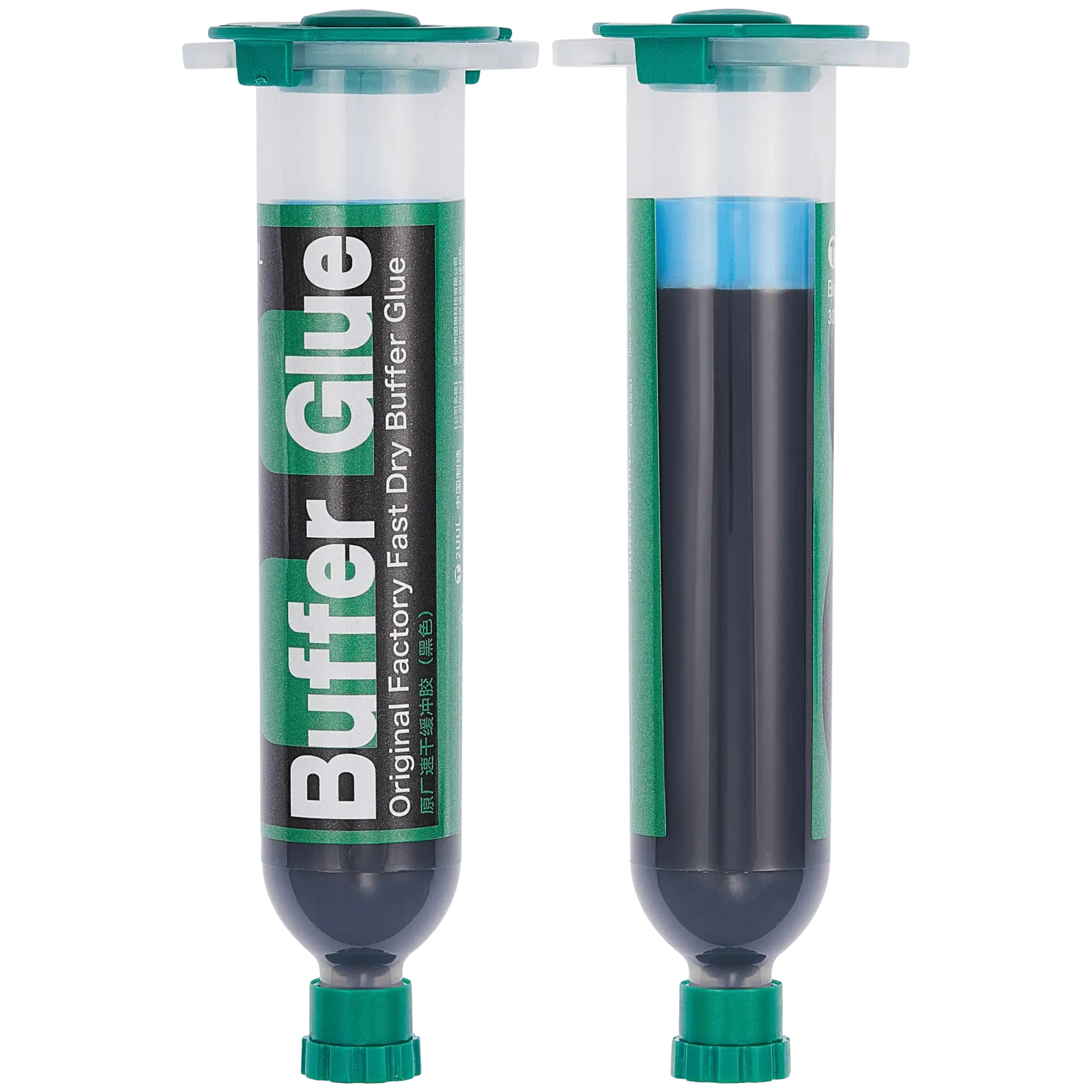
Adhesives and Repair Materials
Glue, tape and more.
Browse ›
Cleaning and Dispensing
Removers, brushes and cleaners.
Browse ›Pliers and Cutters
For the bench.
Browse ›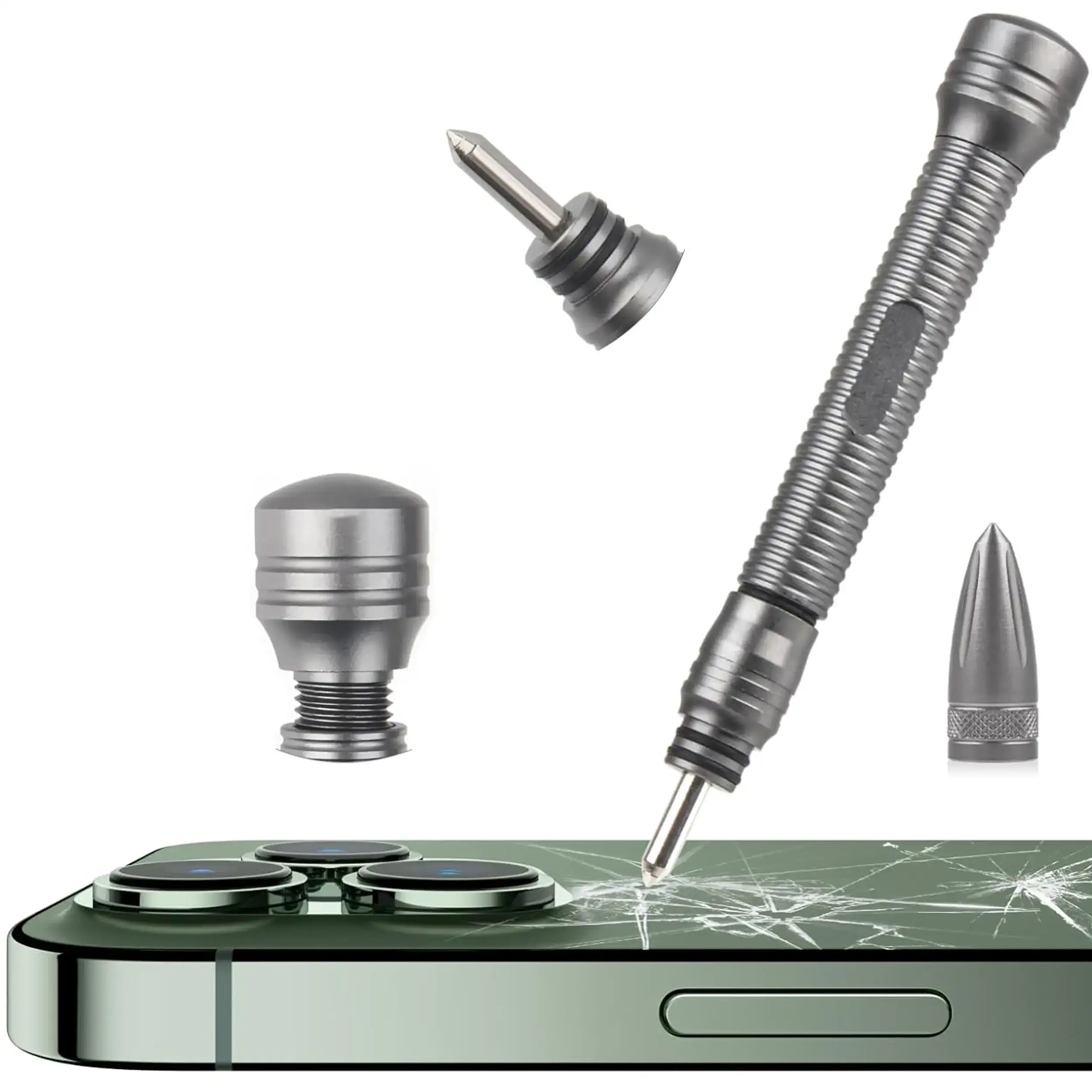
Soldering and Reballing Tools
Board-level work.
Browse ›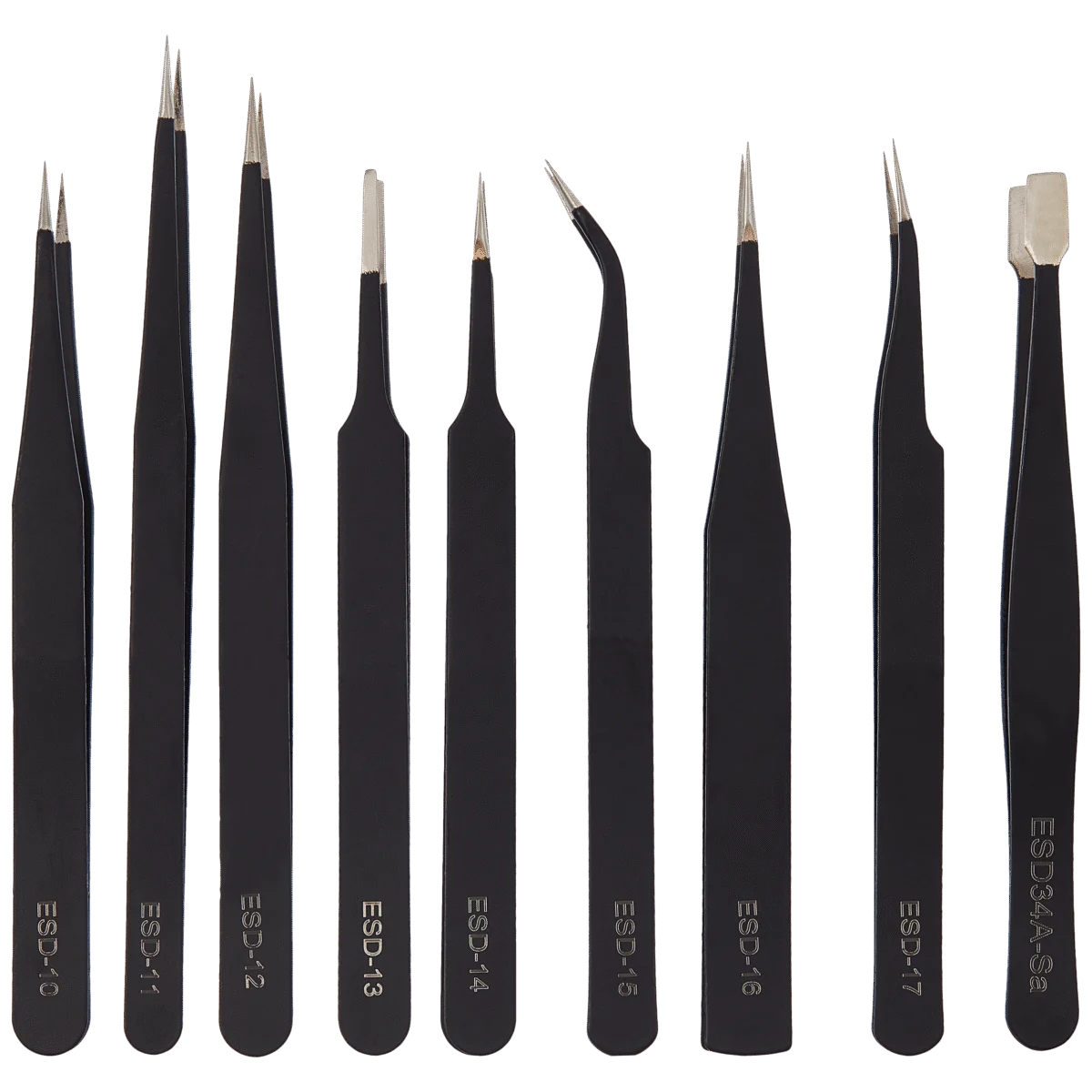
Tweezers
Precision handling.
Browse ›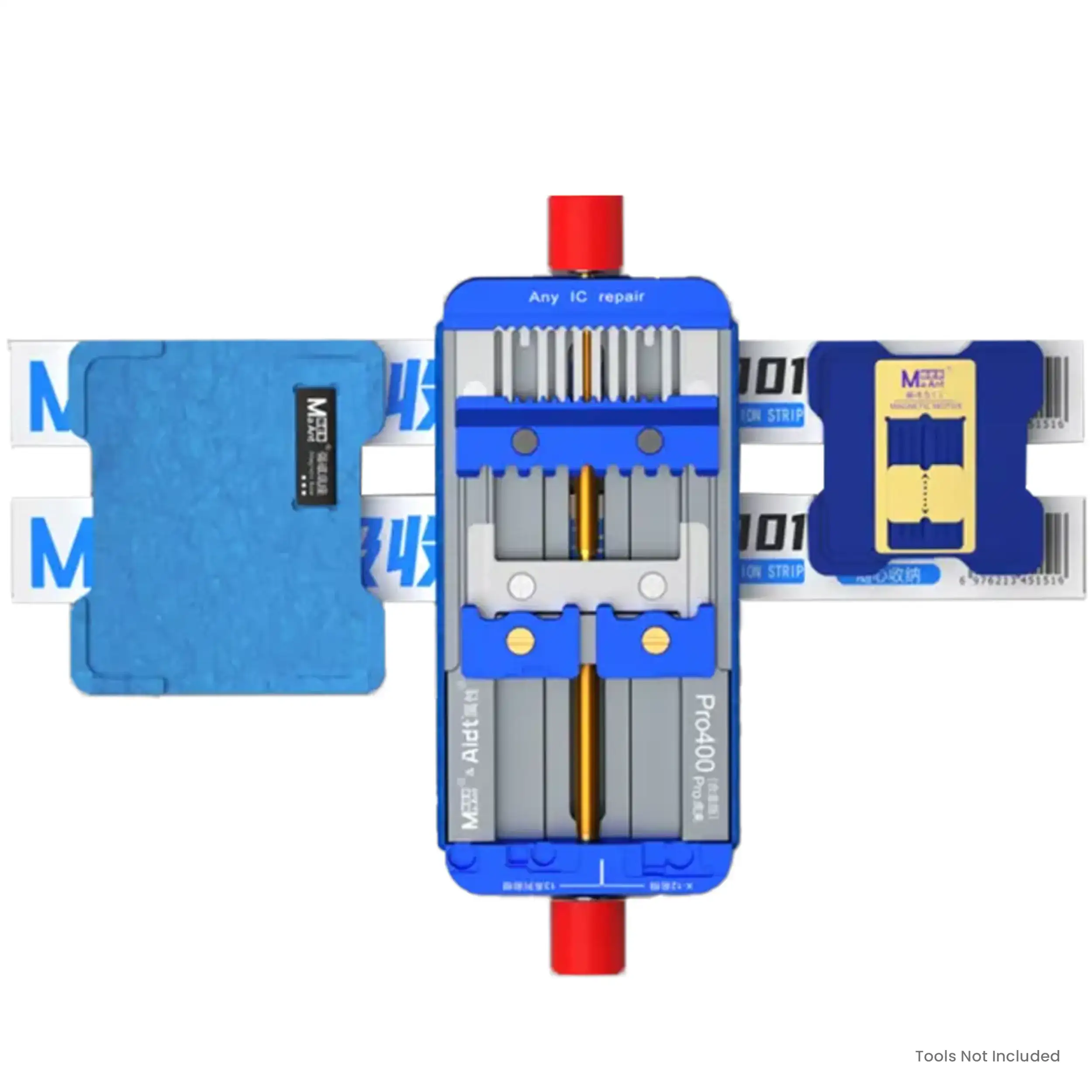
Work Mats and Organizers
Keep every screw in place.
Browse ›Buying guide
How to pick the right tools.
- Start with the screwdriver.The right bit prevents stripped screws. Match it to your device.
- Choose a kit size.One repair? A starter kit is fine. Repairing often? A bigger kit saves you buying bits one by one.
- Add opening tools.A suction cup and thin opening tools protect your display and frame.
- Stay organized.A magnetic mat or box keeps tiny screws in order.
- Think static.ESD-safe tools help protect electronics, especially for frequent or board-level work.
- Pair with the part.Order the replacement part for your exact model at the same time.
Canada-wide
Shipped to you. Or ready in store.
We ship across Canada. Checkout shows shipping rates and estimated delivery times for your address. Closer to Niagara? Pick up for free. Prefer to leave the repair to the pros? Visit us in store.
577 Niagara Street
289-969-7854
Free local pickup
145 Highway 20 E
289-969-7814
Free local pickup
Questions?
Which screwdriver do I need for an iPhone?
Many iPhones use pentalobe screws at the bottom edge, plus a mix of Phillips, tri-point and Torx screws inside depending on the model. A precision kit with a pentalobe bit covers most jobs. Check your exact model before you start.
Do I need ESD-safe tools?
ESD-safe tools help protect sensitive electronics from static discharge. They are a good idea for frequent repairs and a must for board-level work. For an occasional screen or battery swap, careful handling and a clean, dry workspace are the basics.
Is a beginner kit enough for a screen replacement?
For many phones, a beginner kit with the right screwdriver bits, a suction cup, opening tools and tweezers is a good start. Step up to a bigger kit when you repair different models often.
Can I replace a phone battery myself?
Many people do, but lithium batteries need care. Power the phone off, never puncture or bend the battery, and disconnect it before you touch anything else. If you are not comfortable, let a professional do it.
Where do I buy the part itself?
Browse our Cellphone Parts and Apple parts categories for screens, batteries, back glass and more. Match the part to your exact model before you order.
What if I get stuck halfway?
Stop, keep your screws organized and bring the phone to ThrifTech in Welland or Fonthill. It is better to ask for help than to force a part.
Do you ship across Canada, and can I pick up in store?
Yes. We ship across Canada, and pickup is free at our Welland and Fonthill locations. Checkout shows shipping rates and estimated delivery times for your address.
One Response