
MacBook Repair in Welland & FonthillAir, Pro, iMac & Mac mini.
Cracked screen, weak battery, keyboard issue, trackpad problem, charging fault, macOS issue, liquid damage, or a MacBook that will not turn on — ThrifTech fixes it with clear diagnostics and honest repair options.
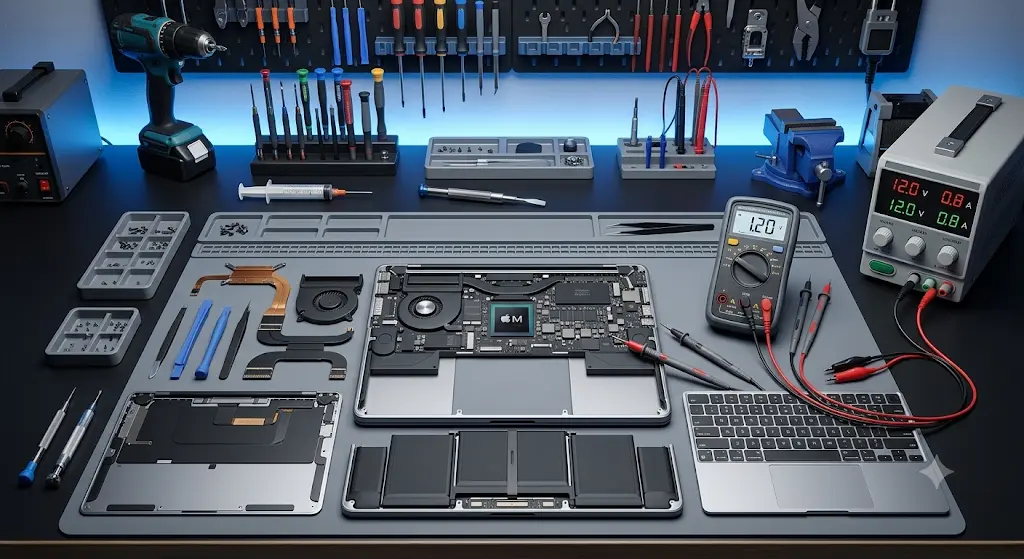
What’s wrong with your MacBook?
We repair common MacBook, iMac and Mac mini issues at both our Welland and Fonthill locations. Walk in or get a free quote online.
Screen Replacement
Cracked glass, black display, display lines, dim backlight, flickering, or damaged Retina display — we quote the correct screen option for your exact Mac model.
Battery Replacement
Battery draining quickly, service battery warning, swelling, random shutdowns, or poor standby time — a replacement battery can restore reliable daily use.
Keyboard / Trackpad Repair
Sticky keys, missing keys, keyboard not responding, trackpad click issues, cursor problems, or palmrest faults — we inspect the top case and related connections properly.
Charging Port Repair
MacBook not charging, loose USB-C port, MagSafe light issues, one side not charging, or adapter not recognized — we test charger, port, battery, and board path.
macOS Update / Repair / Reinstall
Mac running slow, failed update, stuck loading screen, boot errors, corrupted macOS, or need a clean reinstall? We can repair, update, or reinstall macOS properly.
Wi-Fi / Bluetooth Issues
Wi-Fi dropping, Bluetooth not pairing, AirDrop not working, external display issues, USB devices not detected, or connection problems after an update — we diagnose the cause.
Liquid Damage Inspection
Spilled coffee, water, tea, or pop on your MacBook? Do not charge it. Bring it in quickly so we can inspect the board, keyboard, battery, and internal corrosion risk.
Logic Board & Data Help
No power, boot loop, fan spin only, folder/question mark, storage issues, or important files trapped on a dead Mac — we diagnose and explain recovery options.
MacBook Not Turning On
MacBook will not turn on, shows no display, does not respond to charger, or suddenly died? We check power path, battery, charging, board and software-related causes.
We repair MacBook, iMac and Mac mini.
You do not need to know the exact model number. Bring it in and we will identify the device before quoting parts or repair options.
Your MacBook repair, step by step.
No surprises, no pressure. Here’s exactly what happens when you bring your MacBook to ThrifTech.
Walk In or Get a Quote Online
Visit either location — no appointment needed. Or submit a quote form with your MacBook model and issue and we’ll get back to you quickly.
Free Diagnosis
We inspect symptoms like no power, display, battery, keyboard, liquid damage, macOS, connection, or charging problems and explain what we find.
You Approve — We Repair
Repair only starts after you approve the quote. We explain part availability, repair options, and timing before work begins.
Pick Up with Confidence
Before you leave, we test charging, display, keyboard, trackpad, ports, Wi-Fi/Bluetooth, battery health, and the original issue.
Clear diagnosis before repair.
MacBook repairs can be simple or board-level. We check the symptom first, then explain the safest repair direction.
Niagara’s trusted MacBook repair shop.
We’ve built our reputation on honest repairs, quality parts, and local service that stands behind its work.
Quality Parts
We source dependable MacBook parts and match them carefully to your exact model and repair type.
4-Month Warranty
Most MacBook repairs include a 4-month limited warranty on parts and labour. Terms apply.
Free Diagnostics
We inspect your MacBook and explain the issue before you commit to a repair.
Highly Rated on Google
Local customers trust ThrifTech for fast service, honest pricing and quality repair work.
Fast Turnaround
Many repairs can be completed quickly, and special-order parts are quoted with clear timing.
Local & Walk-In Friendly
Two convenient Niagara locations in Welland and Fonthill. Walk-ins are welcome.
Ready to fix your MacBook?We’re here — walk in today.
Two locations in Niagara. Free diagnostics. Same-day repairs on many common issues. No appointment needed.
Call a Location
MacBook repair near you in Niagara.
Walk in at either location — no appointment needed. We serve Welland, Fonthill, Pelham, Thorold, and nearby Niagara communities.
What customers say.
Real ThrifTech customer reviews selected from laptop, MacBook, computer and general repair feedback.
“I took my laptop in for a minor repair. The service was excellent, fast, professional and friendly. I highly recommend.”
“My Experience was very nice. He gave me solution with in 5 minutes and i am very happy because my laptop started working fast again.”
“So much thankful for the quick response and accomodating to fixed Laptop, i am totally satisfied and happy 😊”
“Great experience, I spilled juice on my laptop and it stop working I search and find them, within 24 hours...”
“Amazing service. There was something wrong with my gaming PC, took it here same day it got looked at & fixed. Would definitely recommend 10/10.”
“I had an excellent experience with this guy who fixed my MacBook Pro 2015 speaker.”
“It was difficult to find a reliable person to repair my computer and phone screens, but his experience was enough to get my laptop and phone fixed.”
“I've been dealing with them for about 3 years now and they've never let me down. Great experience and affordable and pleasant to deal with.”
“I took my laptop in for a minor repair. The service was excellent, fast, professional and friendly. I highly recommend.”
“My Experience was very nice. He gave me solution with in 5 minutes and i am very happy because my laptop started working fast again.”
“So much thankful for the quick response and accomodating to fixed Laptop, i am totally satisfied and happy 😊”
“Great experience, I spilled juice on my laptop and it stop working I search and find them, within 24 hours...”
MacBook repair questions answered.
Common questions from customers in Welland, Fonthill, and across the Niagara Region.
Get a Free QuoteHow much does MacBook repair cost in Welland?
Do you repair MacBook Air, MacBook Pro, iMac and Mac mini?
What MacBook issues do you fix?
How long does MacBook repair take?
Does MacBook repair come with a warranty?
My MacBook got liquid damage — what should I do?
Where are your MacBook repair locations?
What phone number should I call or text?
Broken MacBook? Let’s fix it today.
Walk in to Welland or Fonthill — no appointment needed. Free diagnostics, clear repair options, 4-month warranty.