
PS5 Blinking White or Showing No Signal?
Your PlayStation 5 turns on, but your TV stays black. Is it a damaged HDMI port, a display setting, or something deeper? Learn what the warning signs mean and where to find professional PS5 HDMI repair in Welland and Fonthill.
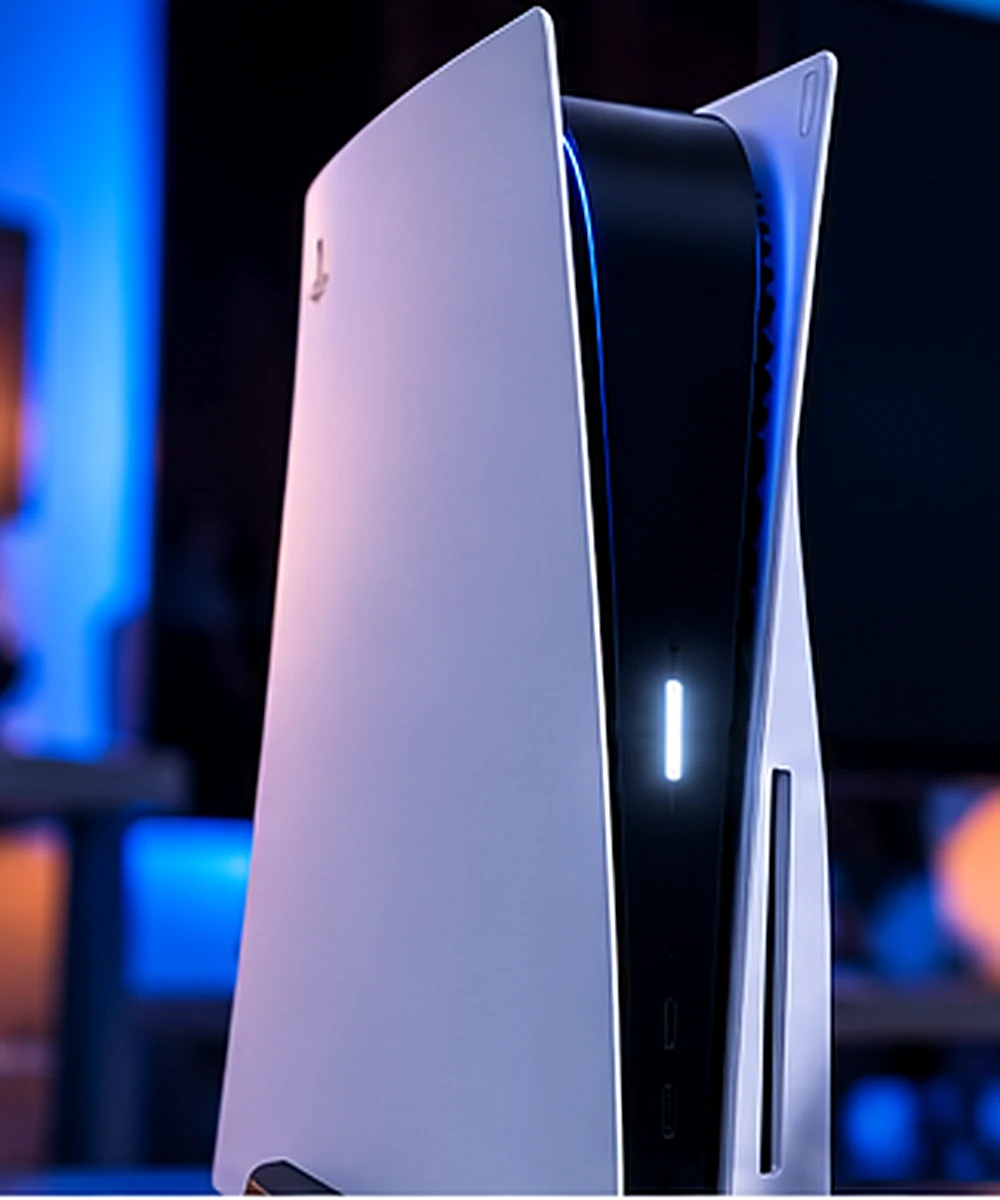
Your PS5 Is On. So Why Is the Screen Black?
You turn on your PS5, settle in for a gaming session, and suddenly your television displays “No Signal.” The console may have a white light, a flashing indicator, or even normal startup sounds — but there’s no picture.
A damaged HDMI connector is one possibility, especially if the console was moved while plugged in or the cable no longer fits securely. But a white light doesn’t automatically mean the HDMI port is broken.
PlayStation identifies a solid white light as powered on. A continuously blinking white light can indicate a console error or frozen state. Diagnosis should start with the exact symptom, not an assumed HDMI replacement.
Which PS5 Problem Are You Seeing?
These common symptoms can help narrow the possibilities before you bring in your console.
Solid White Light, No Picture
Your PS5 appears powered on, but the TV detects no image. Possible causes include an HDMI cable, input selection, video output settings, port damage, or circuitry on the motherboard.
White Light Keeps Flashing
A persistent blinking white light may indicate a console error or frozen state. Start with PlayStation’s recommended power troubleshooting before assuming a physical HDMI fault.
Loose or Bent HDMI Port
If the cable moves excessively, won’t fit correctly, or the port contains bent pins, the connector may need professional inspection or replacement.
Flickering or Black Screen
An image that appears intermittently may point to a poor HDMI connection, damaged connector, incompatible video setting, cable problem, or another signal fault.
Try These 5 Checks Before Paying for a Repair
Not every PS5 no-signal problem requires a hardware replacement. These checks are reasonable starting points if the console and HDMI port have no visible physical damage.
- Confirm your TV input Make sure the television is set to the same HDMI input where the PS5 is connected.
- Try a known-working HDMI cable With both devices off, carefully swap to another cable. Do not force a connector into a loose or damaged port.
- Test a different display Try another HDMI input or compatible TV. Connect directly rather than through a capture card or receiver.
- Restart a frozen console If the light keeps blinking white, PlayStation recommends disconnecting power, waiting three minutes, reconnecting, and checking again. If you get no picture at all, PlayStation also suggests powering off both the console and the TV and waiting about 20 minutes before trying again.
- Check Safe Mode video output If Safe Mode displays correctly, its Change Video Output option can help with some resolution or HDCP issues. Avoid Reset PS5 or reinstalling system software without understanding the data-loss risk.
If you see bent pins or a pushed-in connector, unplug the console and avoid repeated cable testing. Forcing the connection can cause additional damage.
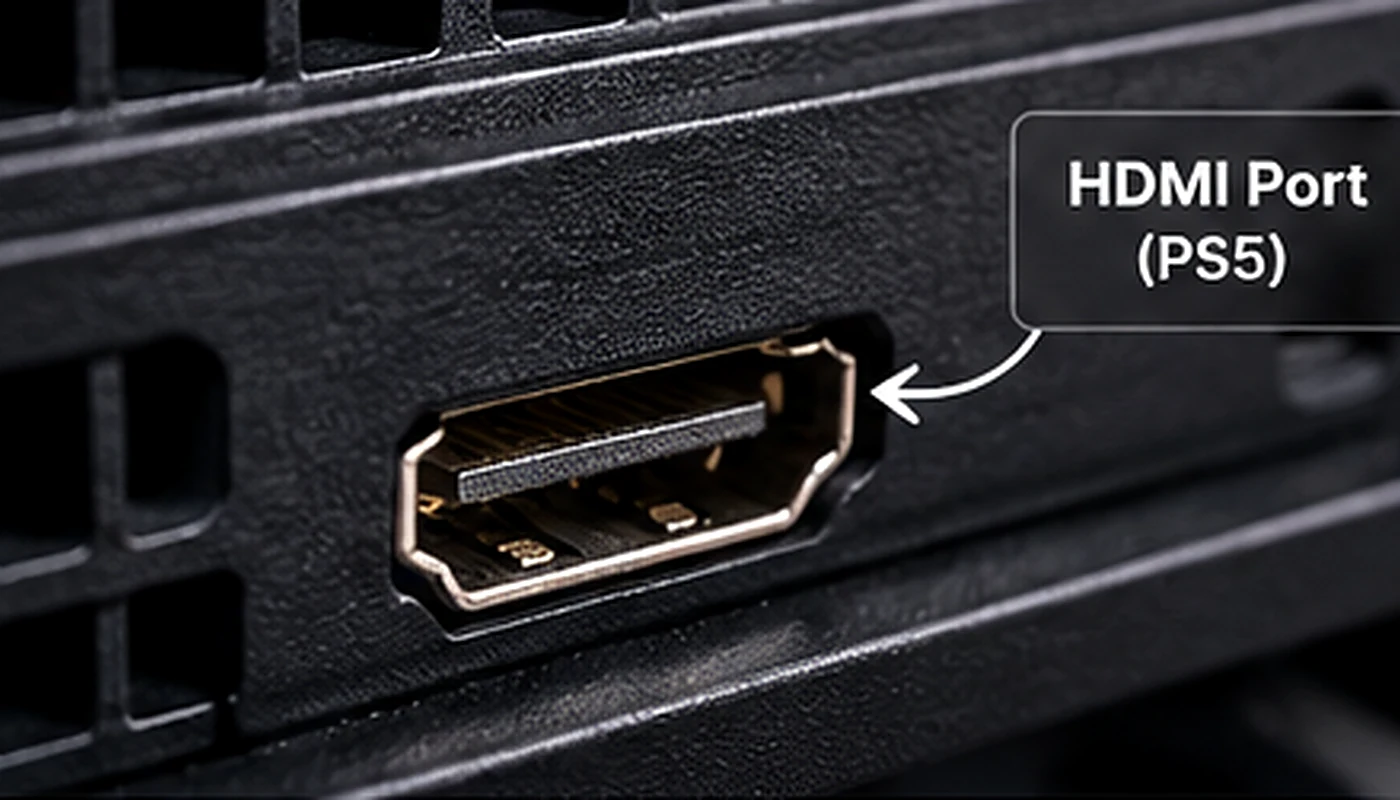
What Actually Causes PS5 HDMI Problems?
The PS5 sends its picture and audio to your TV through the HDMI connection. Damage anywhere along that signal path may affect video output. Here are some problems technicians investigate:
Accidental Cable Pulls
Moving the PS5 with its HDMI cable connected can put pressure on the port and solder connections.
Bent Connector Pins
Misaligned or damaged contacts can interrupt the connection between the console and display.
Damaged Solder Pads
A physically stressed connector can damage the motherboard pads holding it in place, making repair more involved.
HDMI Circuit Faults
Some cases involve signal components, filters, or HDMI-related circuitry rather than the visible connector itself.
How ThrifTech Handles PS5 HDMI Repairs
At ThrifTech, we diagnose PS5 display and HDMI port problems for customers in Welland, Fonthill, and across Niagara. If a port replacement is required, we’ll explain the recommended repair and pricing before work begins.
Want to know what to expect first? Read our guide to PS5 HDMI repair costs and timeline or the step-by-step PS5 repair process. We also handle other consoles through our gaming console repair service.
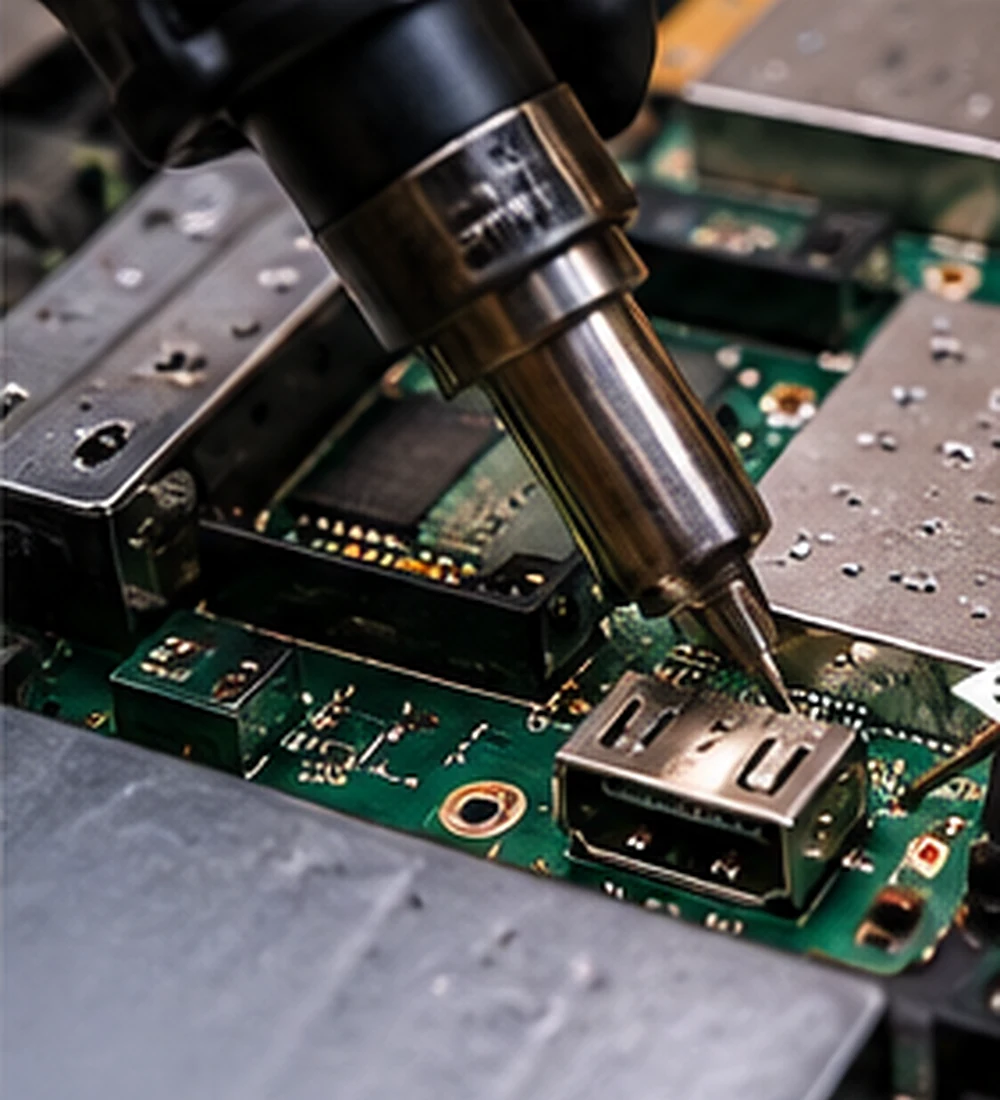
Why precision matters
The PS5 HDMI port is soldered to the motherboard. Replacing it involves carefully removing the damaged connector, inspecting nearby components and pads, installing the replacement, and checking the video output.
If the port isn’t the problem, further diagnosis may be required to identify a signal or board-level fault.
Check the symptoms, port and signal path.
Identify the likely hardware or software cause.
Complete the approved repair when feasible.
Verify video output and stable HDMI connection.
Don’t Replace Parts on a Guess.
A PS5 with no signal doesn’t always need a new HDMI connector. Our goal is to identify the real issue, explain your options, and provide a clear quote before proceeding.
Request PS5 Repair QuoteLocal PS5 Repair or Shipping It Away?
If you live in Niagara, bringing your console to a local repair shop may be more convenient than packaging and shipping it elsewhere. The best route depends on your warranty, repair needs, cost, and available service options.
ThrifTech Niagara
Drop off your PS5 in Welland or Fonthill. Get a local diagnosis, an upfront quote, and an estimated turnaround based on the actual fault and parts availability. Walk-ins are welcome.
PlayStation Support
Sony’s official repair process is worth checking, particularly if your console may qualify for warranty service. Pricing, shipping, eligibility, and turnaround depend on the support case.
We support local console owners in Welland, Fonthill, Pelham, Port Colborne, Thorold, and surrounding Niagara communities.
PS5 HDMI Repair FAQs
Does a blinking white PS5 light mean the HDMI port is broken?
Not necessarily. PlayStation describes a continuously blinking white light as a possible console error or frozen state. A faulty HDMI port is only one possible issue when the console also lacks video.
Why does my PS5 turn on but show No Signal?
Possible causes include the wrong TV input, a faulty HDMI cable, video output settings, a damaged HDMI port, or an internal circuit fault. Testing helps identify which applies.
Can a damaged PS5 HDMI port be replaced?
Often, yes. A technician can inspect the connector and motherboard to determine whether port replacement is possible or additional board repair is needed.
How much is PS5 HDMI repair in Welland?
The cost depends on the actual damage, the console model, and whether the repair involves only the connector or additional motherboard work. ThrifTech provides a quote before approved repairs begin.
How long does a PS5 HDMI repair take?
Timing depends on diagnostics, parts, the extent of the damage, and current repair workload. Contact either ThrifTech location for an estimated turnaround.
Is PS5 repair available in Fonthill?
Yes. ThrifTech serves PS5 owners through its Fonthill location at 145 Highway 20 E and Welland location at 577 Niagara Street.
Does ThrifTech provide a repair warranty?
Most completed console repairs include a four-month limited warranty, subject to the repair type and warranty terms.
Two Convenient PS5 Repair Locations in Niagara
Walk into either location during business hours, or send us the model and symptoms through our gaming console repair quote form.
Additional resources: PlayStation power indicator guide | PlayStation picture and sound troubleshooting | PlayStation Safe Mode guide | ThrifTech PS5 HDMI port repair | PS5 overheating and dust cleaning.
ThrifTech is an independent repair provider and is not affiliated with Sony Interactive Entertainment. PlayStation and PS5 are trademarks of their respective owners. Repair eligibility, pricing, availability, and warranty coverage are subject to assessment and applicable terms.