
Storage and SSDs · ThrifTech
Old computer.
New speed.
Solid state drives for Mac and PC, plus hard drives and memory cards. Give the computer you already own a second life. Shipped across Canada. Free pickup in Welland and Fonthill.
Shop SSDsSee all storage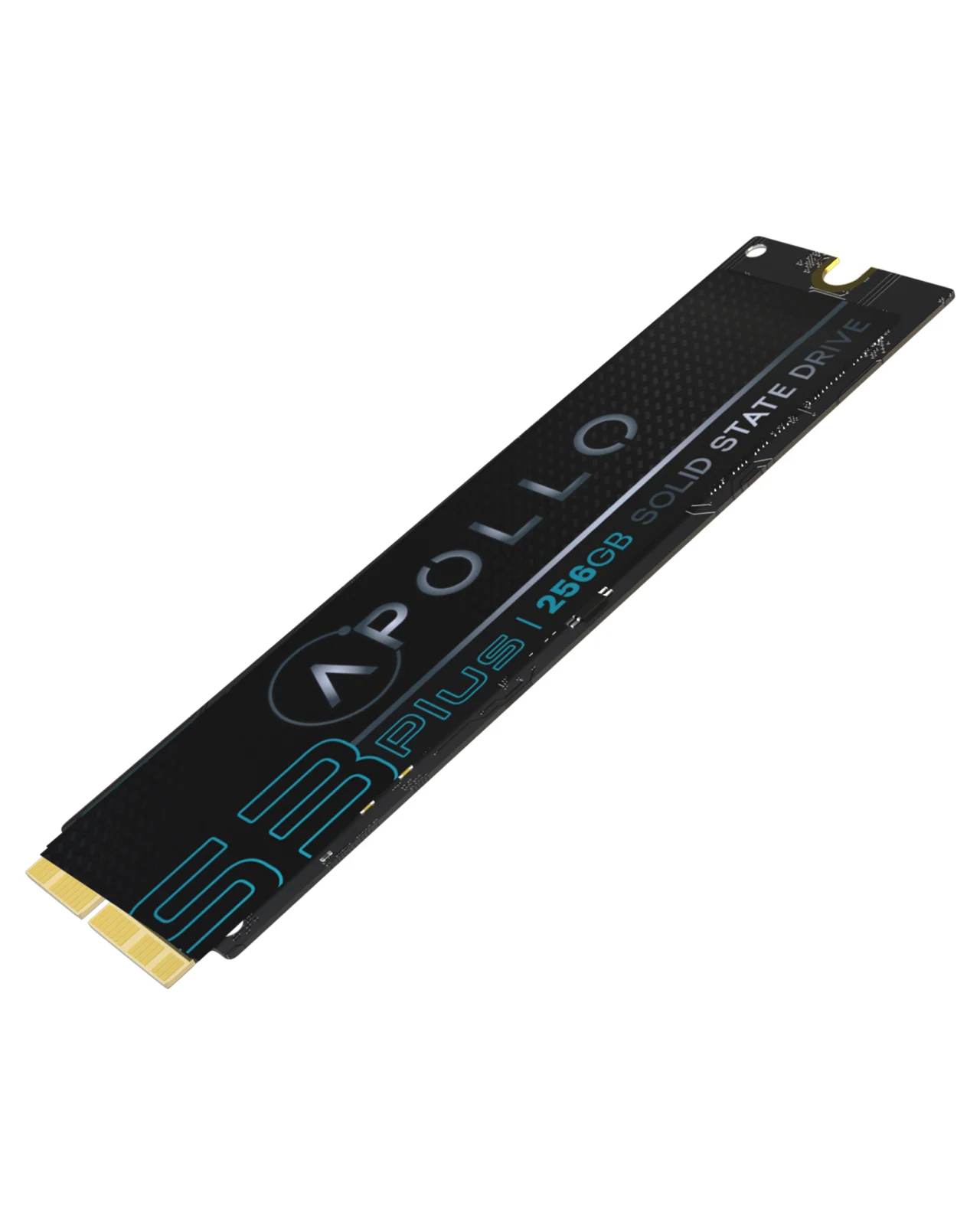
The problem
Slow isn't broken.
It's the drive.
Before you buy a new computer, look at what is inside the one you have.
Older computers use hard drives with moving parts. They are slower to start and to open apps.
A drive that is nearly full slows everything down. More space gives your system room to breathe.
Drives wear out. Replacing an old one before it fails protects your files.
2.5 inch SATA
Swap it. Feel the difference.
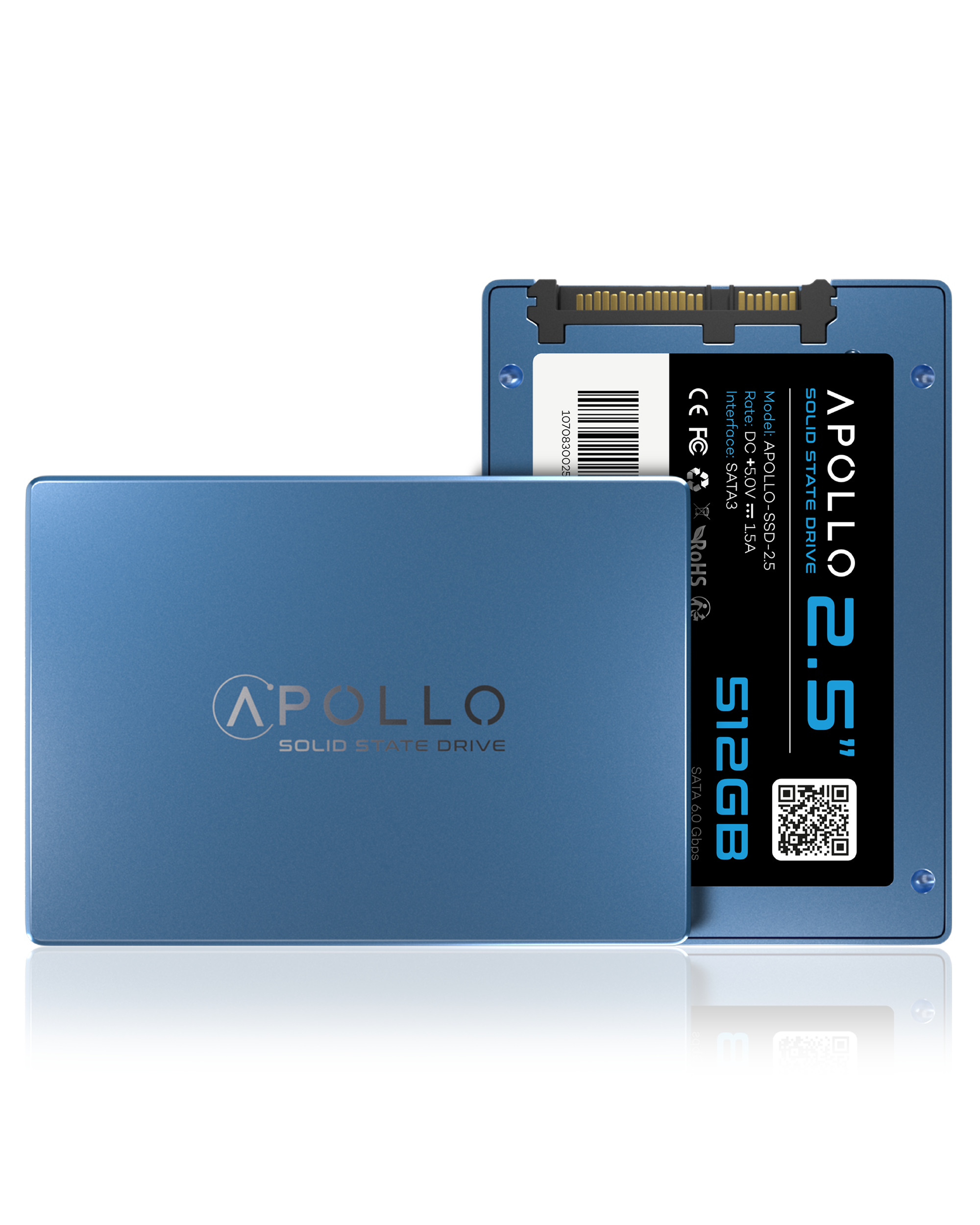
2.5 inch SATA SSDs from 128GB to 2TB for many older laptops and desktops.

Mac SSDs
Mac, reborn.
Apollo NVMe SSDs listed by MacBook, iMac and Mac mini model and year. Match your model on the listing.
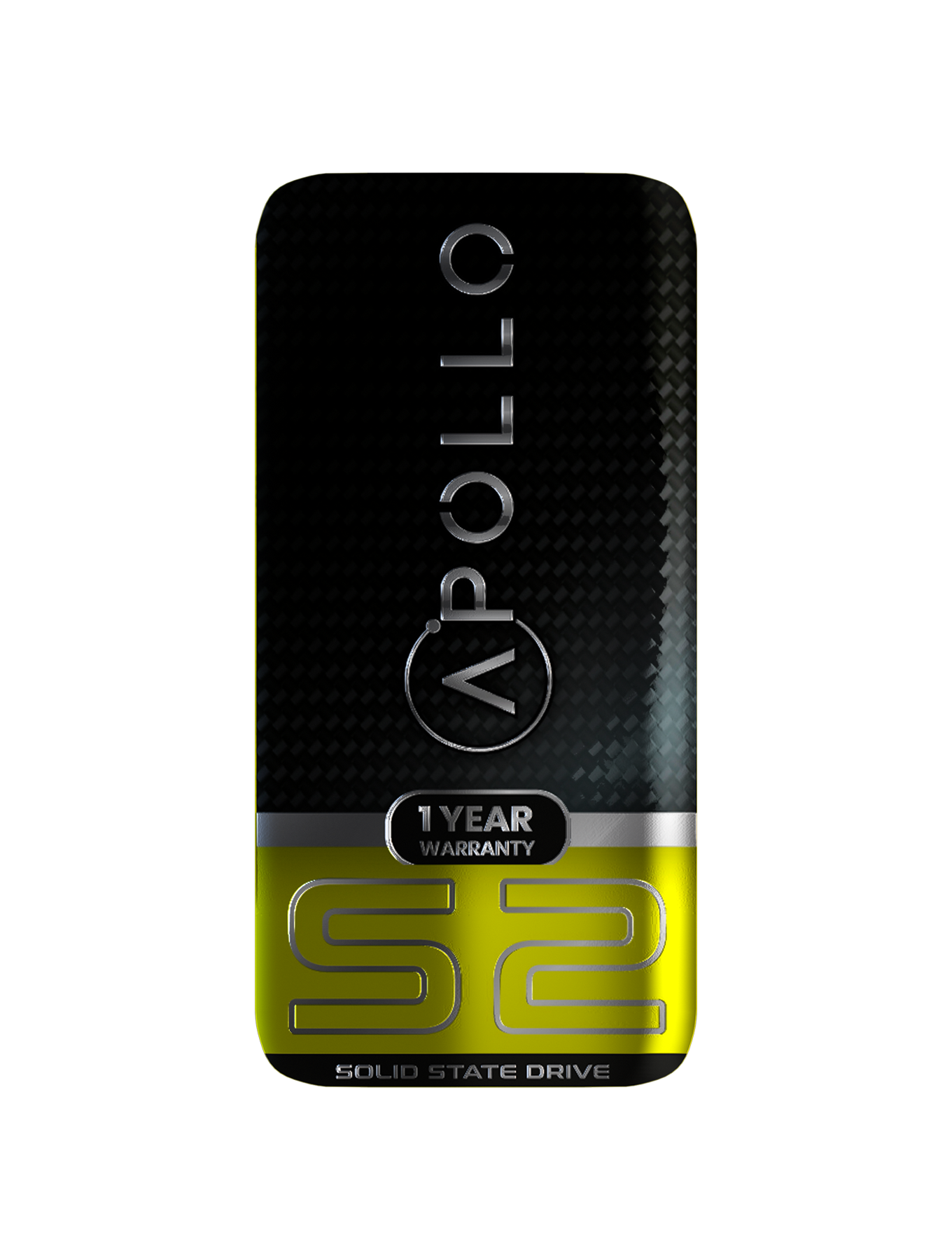
Apollo S2 256GB Mac SSD (NVMe PCIe Gen3x4) For MacBook Air 11" & 13" A1465 A1466 (2012) / Pro 13" & 15" Retina (2012 - 2013)
$46.62 CAD
Shop now ›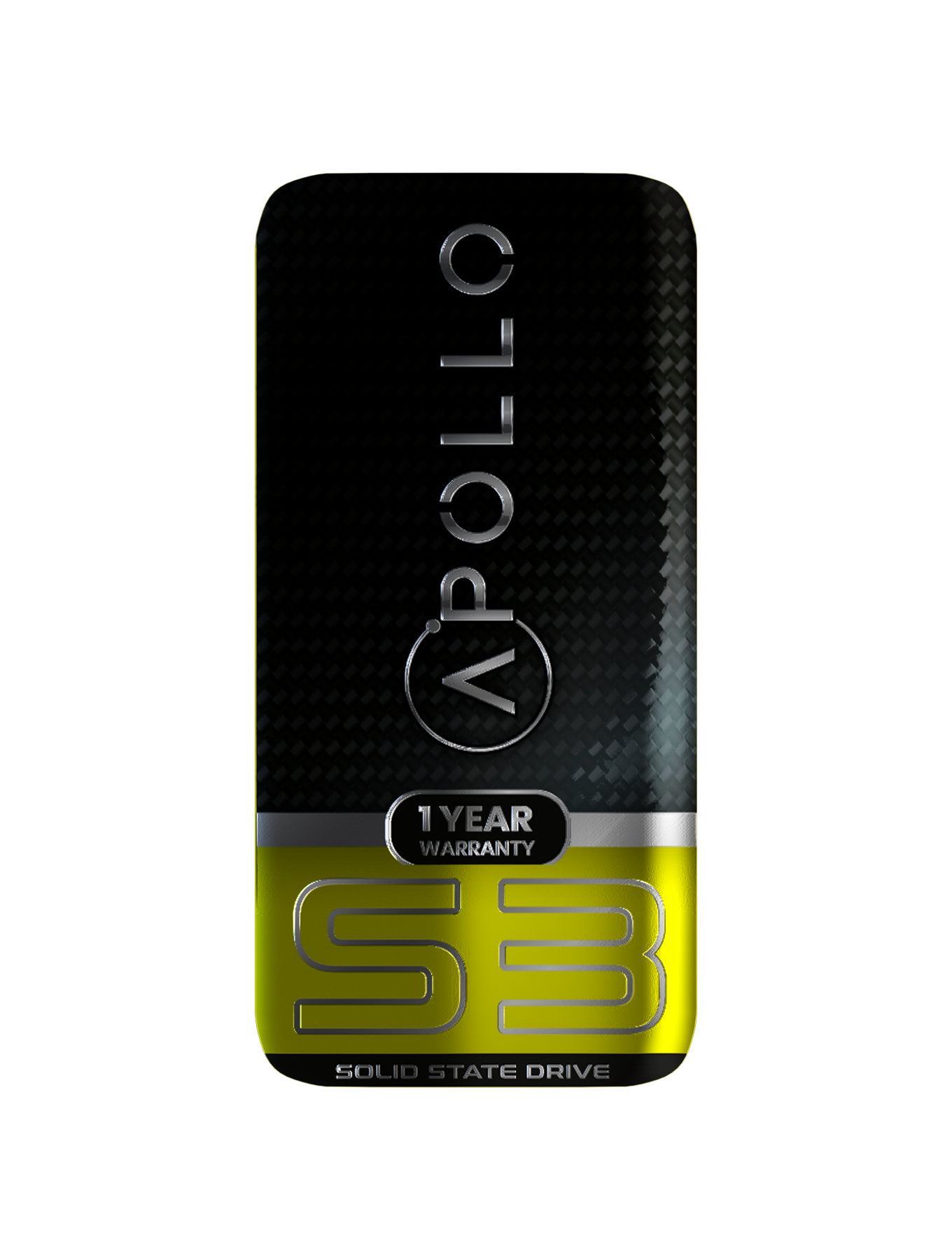
Apollo S3 256GB Mac SSD (NVMe PCIe Gen3x4) For MacBook Air 11 & 13" A1465 A1466 (Mid 2013-2017) / Pro Retina A1398 1502 (Late 2013-Mid 2015) / iMac A1418 A1419 (Late 2013-Mid 2017) / Mac Mini A1347 (2014) / Mac Pro A1481 (2013)
$128.44 CAD
Shop now ›
Apollo S4 512GB Mac SSD (NVMe PCIe Gen3x4) For MacBook Pro 13" A1708 (2016-2017)
$170.99 CAD
Shop now ›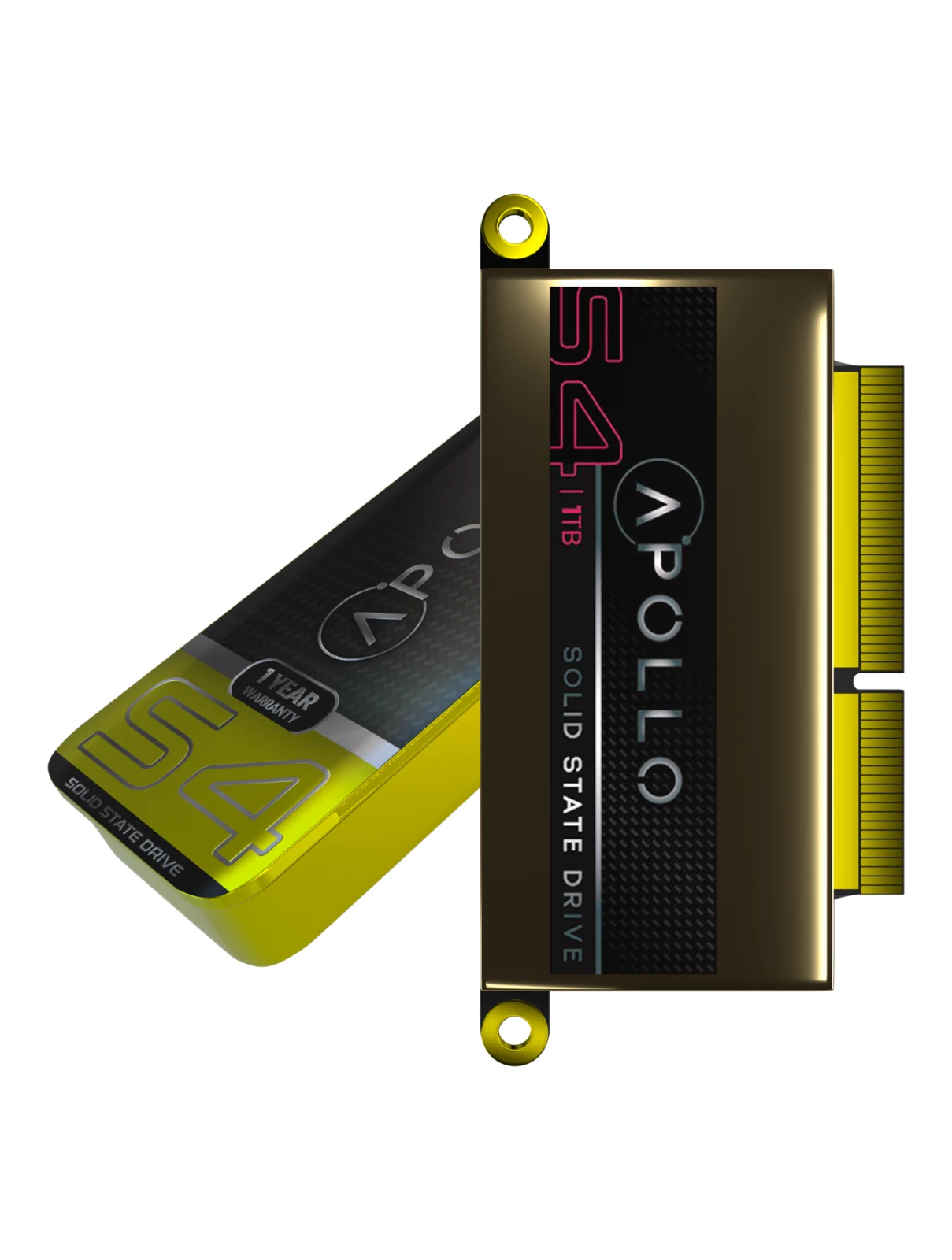
Apollo S4 1TB Mac SSD (NVMe PCIe Gen3x4) For MacBook Pro 13" A1708 (2016-2017)
$238.99 CAD
Shop now ›NVMe PCIe
More speed. More headroom.
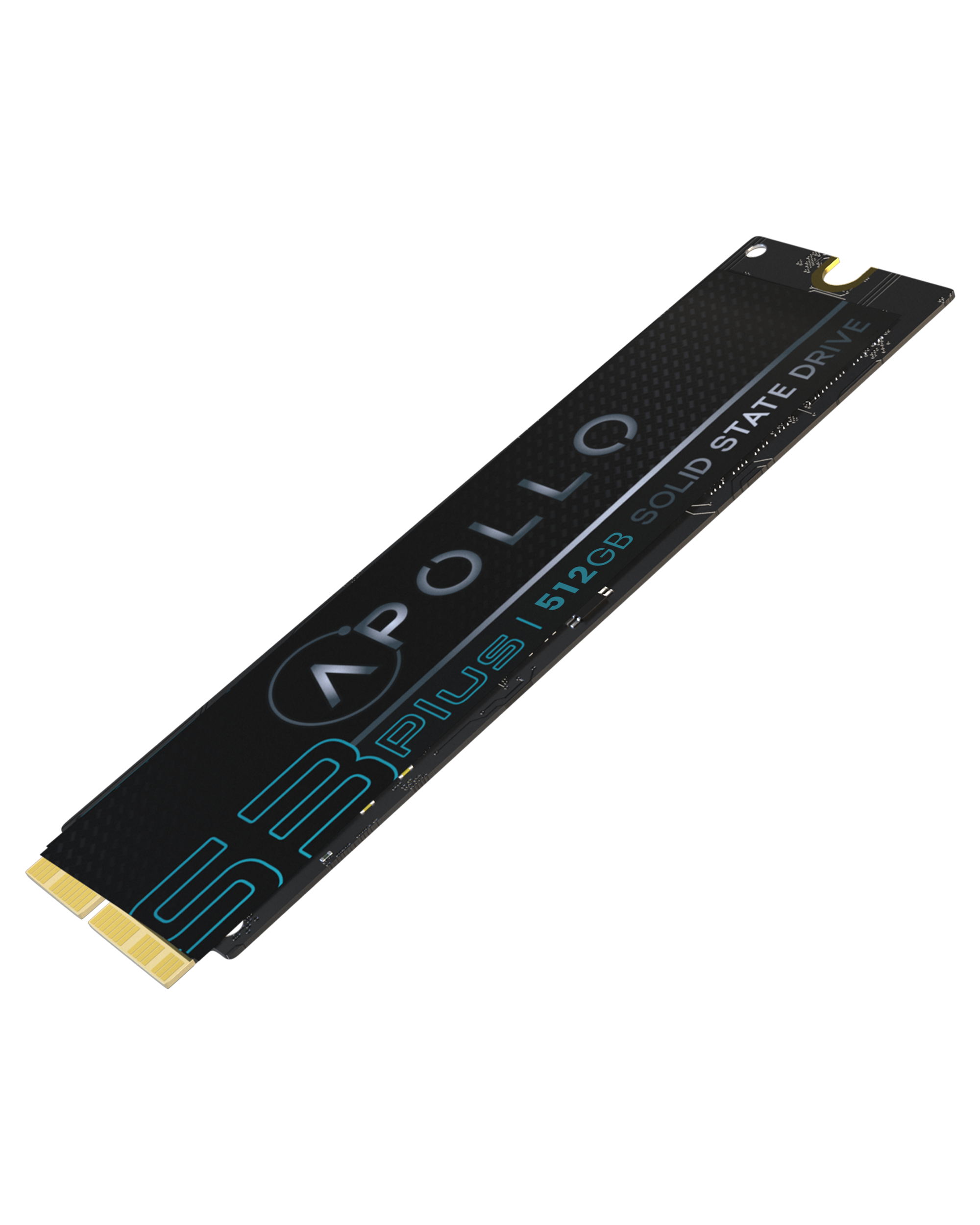
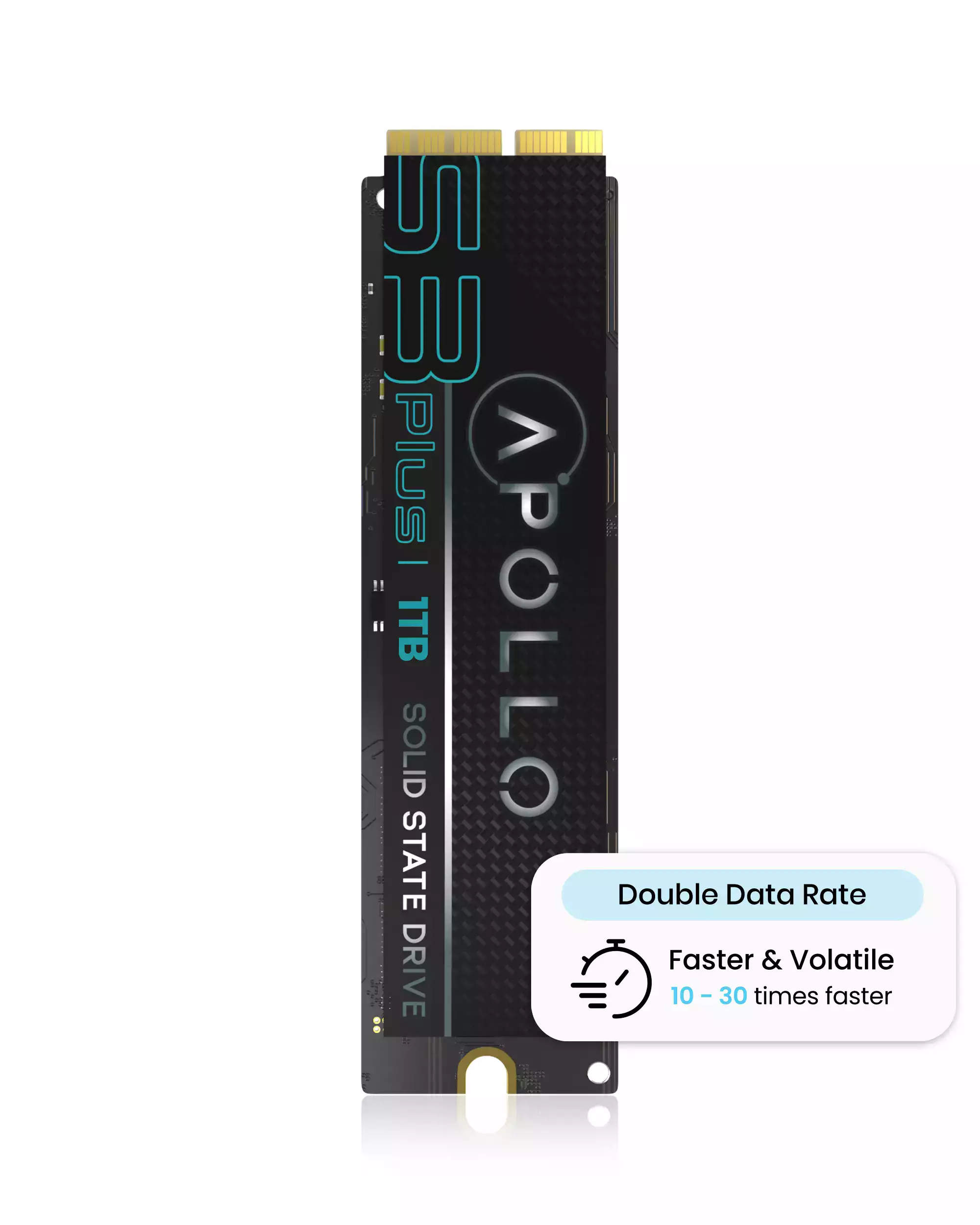
Apollo S3 Plus DDR-equipped NVMe SSDs for supported older Mac systems, with PCIe Gen 3 x4 and TRIM support. Review the model and EMC compatibility list on each listing.
Hard drives and more
Room for everything else.
Internal hard drives for PCs and consoles, and a microSD card for your phone or camera.
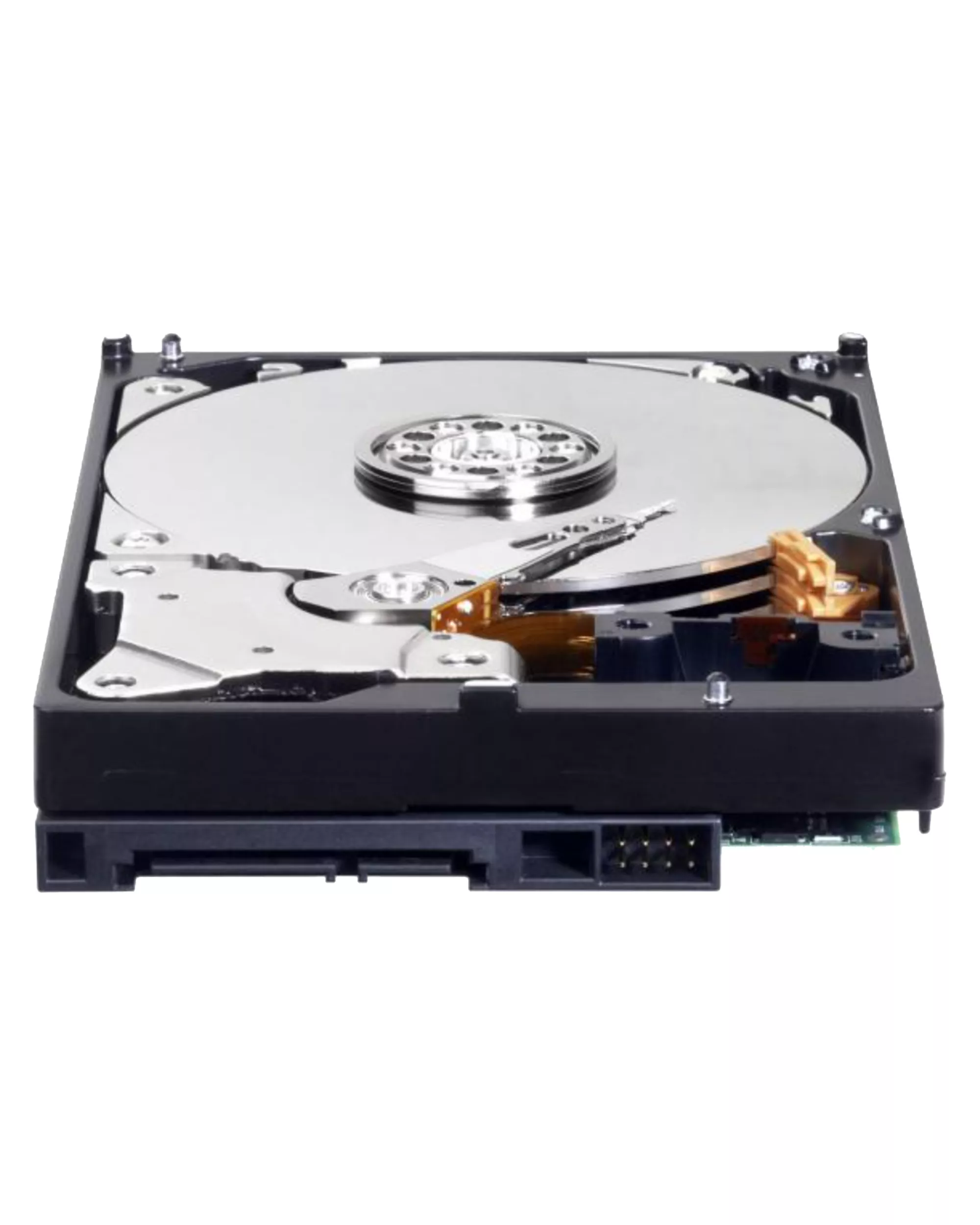
1TB WD Blue 3.5" HDD Internal Hard Drive - 7200 RPM (26mm) (Premium)
$113.06 CAD
Shop now ›
WD5000LPVX 2.5" Internal HDD (500GB) For PCs / Xbox One X / Xbox One S
$75.99 CAD
Shop now ›
HDD Internal Hard Drive 500GB For Xbox360 E / Xbox360 Slim Console
$66.99 CAD
Shop now ›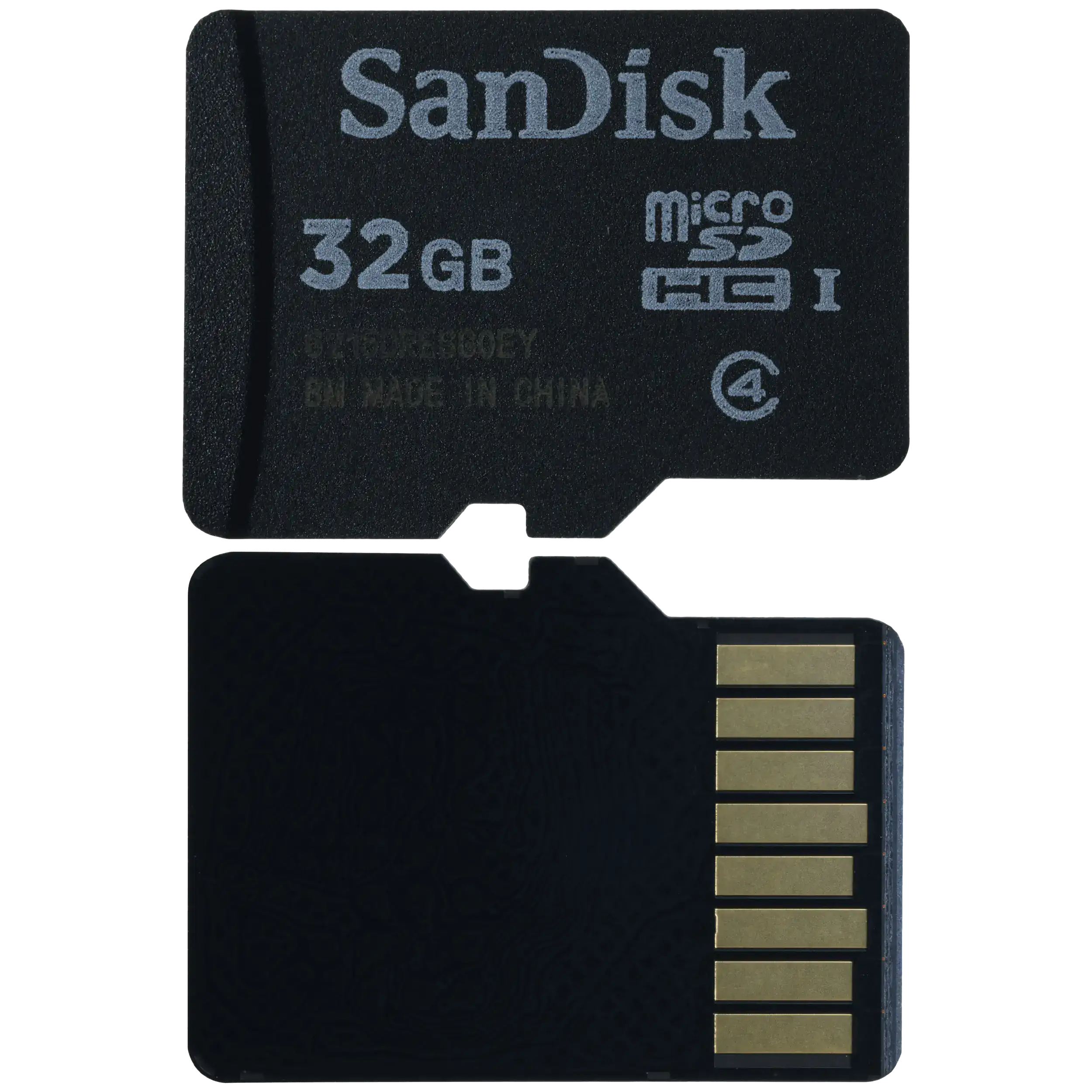
SanDisk MicroSD Card (32GB)
$24.99 CAD
Shop now ›Every drive
Find your storage.
Browse by type.
Solid State Drives (SSD)
Every SSD in one place.
Browse ›NVMe SSDs
Mac and PC NVMe upgrades.
Browse ›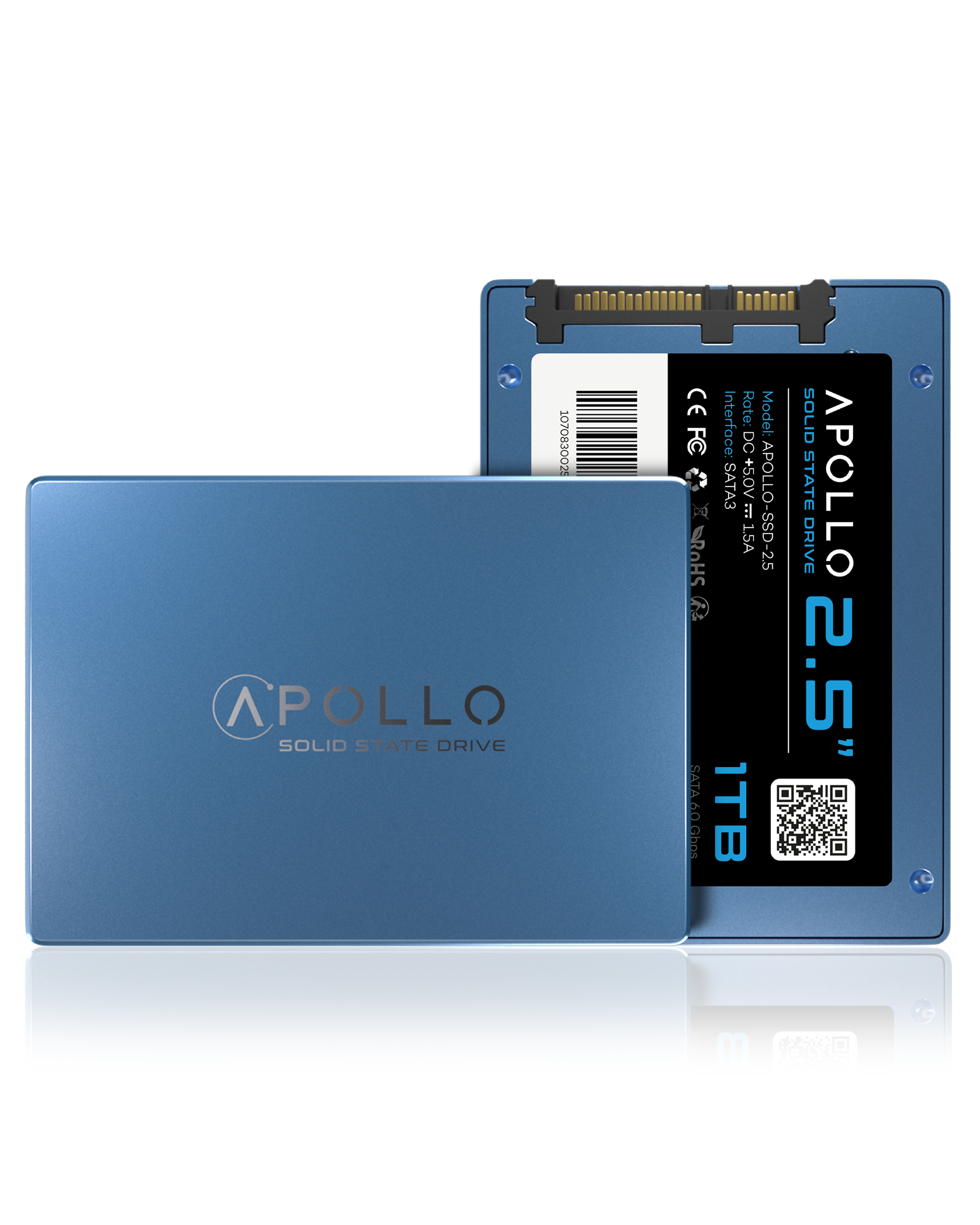
SATA SSDs
2.5 inch SSDs for laptops and desktops.
Browse ›Internal Hard Drives
For PCs, laptops and consoles.
Browse ›MicroSD Cards
For phones, cameras and handhelds.
Browse ›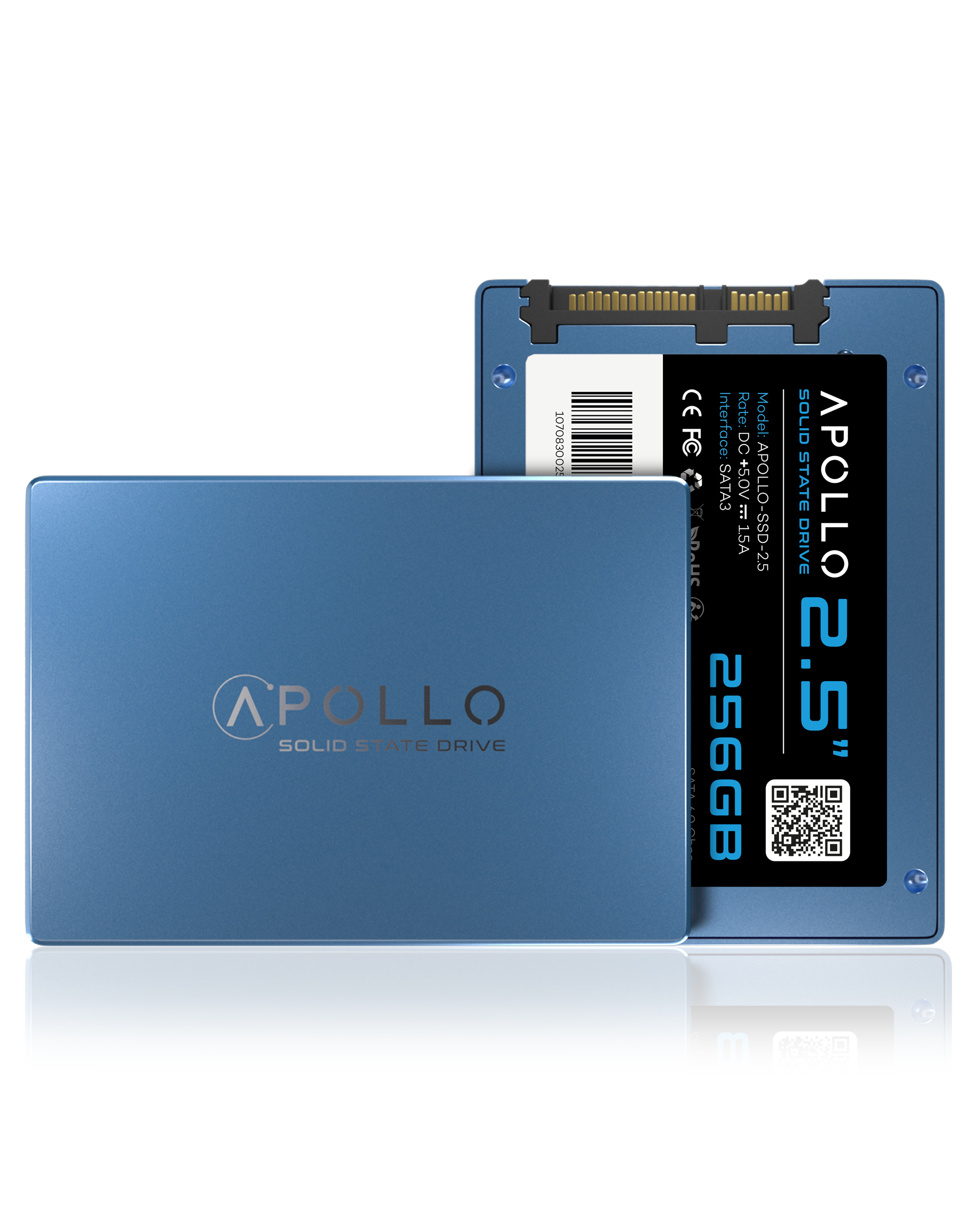
Storage and Memory
Everything in one place.
Browse ›Buying guide
How to pick the right drive.
- Match your computer.Check your model, year and A-number against the listing. Drives are not universal.
- SATA or NVMe.2.5 inch SATA for many older PCs and laptops. NVMe for supported Macs and newer systems.
- Choose the size.256GB for light use, 512GB to 1TB for most people, 2TB for lots of files.
- Back up first.A new drive starts empty. Save your files before you swap.
- Need help?Bring your computer to Welland or Fonthill and we will check what fits. See also our charger guide.
Canada-wide
Shipped to you. Or ready in store.
We ship across Canada. Checkout shows shipping rates and estimated delivery times for your address. Closer to Niagara? Pick up for free.
577 Niagara Street
289-969-7854
Free local pickup
145 Highway 20 E
289-969-7814
Free local pickup
Questions?
Why is my old computer so slow?
Many older laptops and desktops still run on a spinning hard drive. Swapping it for a solid state drive (SSD), which has no moving parts, is one of the most effective upgrades for startup and app loading times.
SATA or NVMe: which one do I need?
It depends on your computer. Most older laptops and desktops use a 2.5 inch SATA SSD. Many Macs and newer PCs use an M.2 or NVMe style drive. Always check your exact model against the product listing before you order.
Can I upgrade an older MacBook with an SSD?
For many MacBook, iMac and Mac mini models, yes. Our Apollo Mac SSDs are listed by model and year, so match your A-number and year on the listing. Not sure? Bring your Mac in and we will check.
Will I lose my data when I upgrade?
A new drive starts empty. Back up your files first, then reinstall your system or clone your old drive onto the new one.
Do you ship across Canada, and can I pick up in store?
Yes. We ship across Canada, and pickup is free at our Welland and Fonthill locations. Checkout shows shipping rates and estimated delivery times for your address.