
Computer problems? We’ll come to you.
When your computer starts running painfully slow, Windows keeps showing errors, or your printer stops working right when you need it, the last thing you want is to pack everything up and drive across town.
That’s why ThrifTech offers professional on-site computer support for homeowners and small businesses across the Niagara Region.
Whether you need on-site computer repair in Welland, a new computer setup in Fonthill, or Windows troubleshooting in Pelham, our technicians can visit your home or office, diagnose the issue, and help get your technology working again.
From everyday Windows problems to printer issues and unwanted malware, here are four common problems we help solve.
Four everyday frustrations. Real solutions.
Technology should make your day easier, not more complicated. Here’s how our local technicians help with common computer and device issues.
Computer Setup & Windows Problems
Bought a new computer but not sure where to start? Or is your existing PC freezing, displaying Windows errors, refusing to update, or constantly restarting?
Our technicians help with new desktop and laptop setup, Windows troubleshooting, software installation, driver issues, operating system problems, and other common PC errors.
Whether you’re setting up a home office in Welland, getting a new computer running in Fonthill, or dealing with frustrating Windows problems in Pelham, ThrifTech provides convenient on-site computer support whenever possible.
Slow Computers and Long Boot Times
A PC that takes minutes to start is usually telling you something: too many programs launching at startup, a nearly full or ageing drive, low memory, or software problems slowing everything down.
A technician can check your storage drive, review startup programs, troubleshoot performance issues, and recommend an upgrade if your computer would benefit.
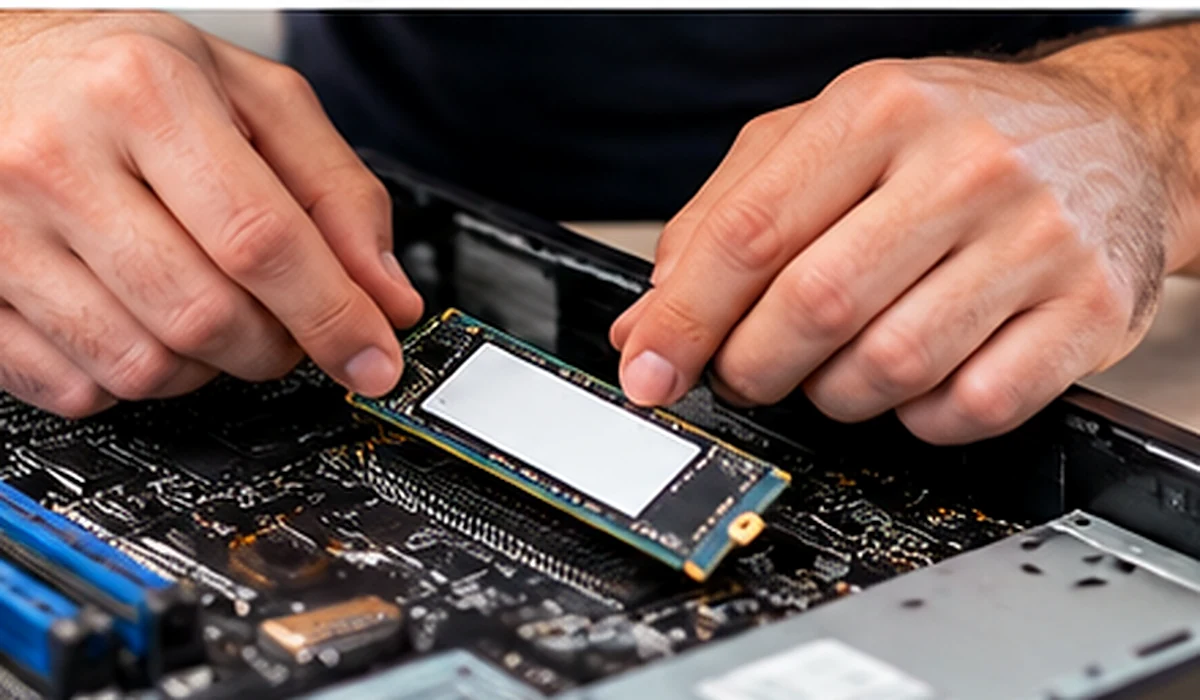
Replacing an ageing hard drive with a solid-state drive (SSD) or adding more memory can make a noticeable difference for many older computers. In some cases, upgrading is far more affordable than replacing the entire PC.
Explore our computer and laptop repair services to learn more about the repairs we offer.
Printer & Scanner Problems
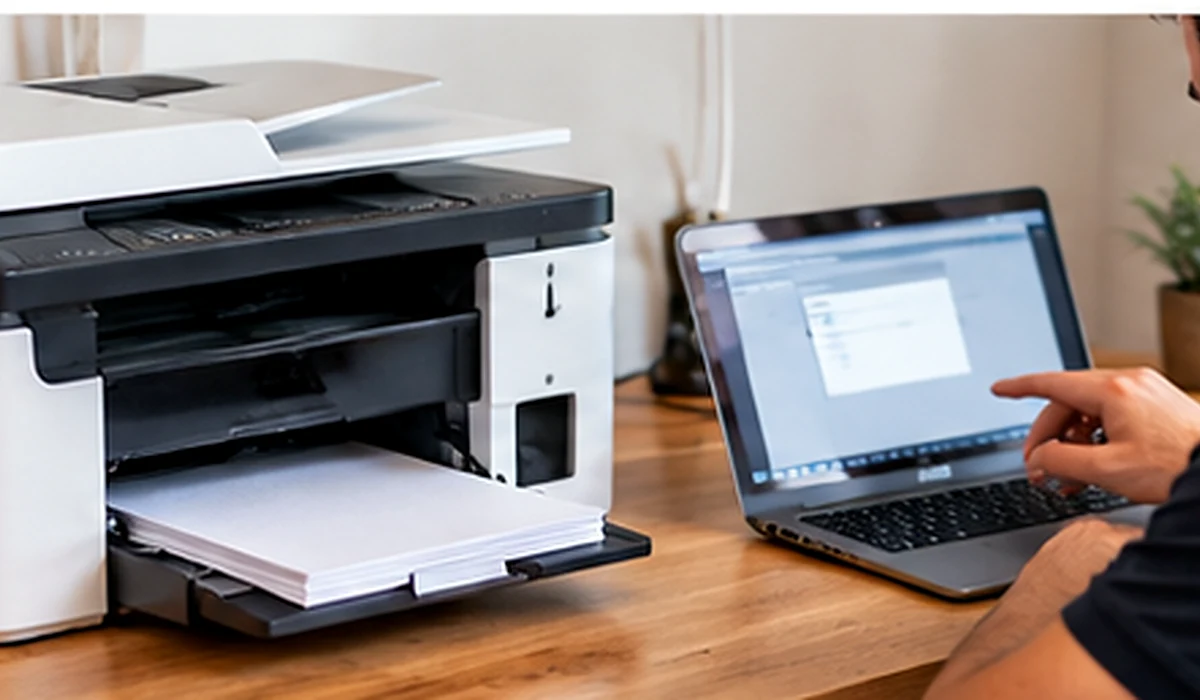
Printer showing “offline” again? Scanner not detected by your computer? Or perhaps your printer suddenly stopped responding after a Windows update.
Printer and scanner issues can happen because of outdated drivers, incorrect settings, software conflicts, connection errors, or incomplete device installation.
Our technicians help troubleshoot printer and scanner connections, install the correct drivers, configure printing and scanning software, and resolve common communication issues between computers and devices.
Whether it’s a printer at home or a scanner used in your small office, we aim to get everything working properly so you can get back to your day.
Viruses, Pop-Ups & Malware Removal
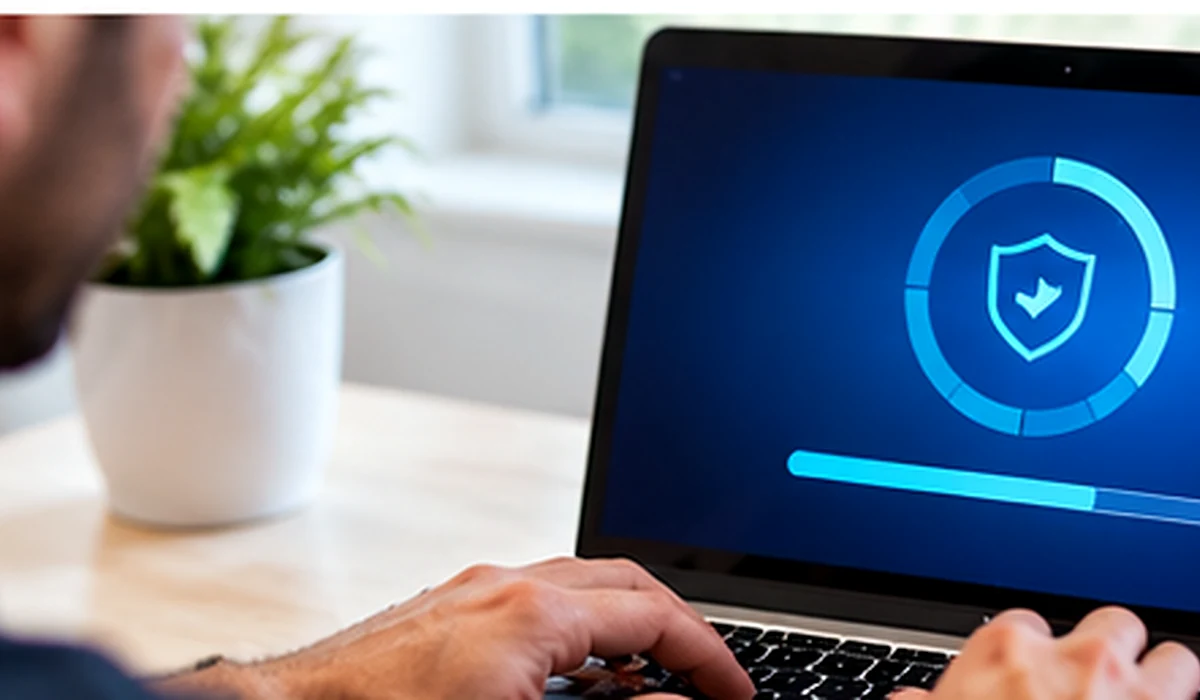
Strange pop-ups, programs you never installed, browsers redirecting to suspicious websites, or a computer that suddenly becomes slow can all be warning signs of unwanted software.
Some fake security alerts even display a phone number and ask you to call immediately. These warnings may be scams designed to trick you into giving someone access to your computer.
We help identify and remove viruses, malware and unwanted programs, inspect affected systems, update security software, and troubleshoot related Windows problems.
We can also explain practical steps to help reduce future infections and keep your computer safer. If you’re unsure whether a warning is genuine, let a technician take a look before clicking anything.
Why Book an On-Site Visit?
Convenient local support for the technology you rely on every day. Our technicians work with your computer and connected devices in your home or office environment.
Convenience
No packing up your desktop, disconnecting everything, or driving across town. We bring technical support directly to your location.
Practical Troubleshooting
We can inspect your computer, Windows installation, software, printers, and scanners in their normal working environment, making common issues easier to investigate.
Clear Diagnosis
We investigate the issue and explain the available solutions before carrying out additional repair work. On-site service charges apply.
4-Month Limited Warranty
Qualifying completed repairs include a four-month limited warranty, subject to the type of repair and applicable terms.
Local Computer Help for Welland, Fonthill & Pelham
ThrifTech provides on-site computer support for homeowners and small businesses throughout our local service area.
Whether you need help setting up a computer, repairing Windows errors, troubleshooting a printer, or removing unwanted software, our team can help you find the right solution.
Not sure whether your issue requires a home visit or in-store repair? Contact us and we’ll help determine the best option.
How Much Does On-Site Computer Support Cost?
We believe in clear pricing. Our standard on-site computer support rates are:
Replacement parts, upgrades, and any additional charges are quoted separately when applicable. Contact us to confirm service availability and details.
Let’s Get Your Computer Working Again.
Don’t let computer problems interrupt your work or daily routine. From Windows errors and slow PCs to printer issues and malware removal, ThrifTech offers convenient local on-site technical support.
Book an On-Site VisitOn-site service charges apply. Repair warranty subject to applicable terms and conditions.
Two Locations. Local Support.
Visit or call your nearest ThrifTech location. We’re here to help.